The purpose of this tutorial is to give you hands-on experience in low-fidelity prototyping, which is a key task in the assignment.
“A prototype is one manifestation of a design that allows stakeholders to interact with it and to explore its suitability” (Rogers et al., 2023)
You must complete these tasks before the start of your tutorial.
Read Chapter 12 Design, Prototyping, and Construction in (Rogers et al., 2023). Available as an e-book through the library.
Read this resource: https://www.nngroup.com/articles/ux-prototype-hi-lo-fidelity/
Post a forum post following the instructions below.
Choose one object/interface that you have come across in your life that you think has a bad design. Consider its use cases, functionalities, forms, and overall design features.
Sketch1 and annotate the bad design, and upload it with your forum post (100-200 words) about this object/interface using these prompts:
Bring your sketch and/or the object/interface in to class this week if possible for discussion.
The tutorial will follow this structure:
As a class or in groups of 4-5, introduce your chosen objects/interfaces to each other and consider the following prompts:
Responding to those will help construct one scenario we will be ideating and prototyping based on today.
In groups, we will do some rapid brainstorming to generate design ideas. Guided by your discussion above, choose one object or interface to redesign. You may want to come up with changes to the existing interface, or come up with a completely new solution. Our only request here is that your solution should be computer-based. This doesn’t have to be just a desktop/mobile application or website, it could be a tangible interface, a hardware product, a robot, a smart home appliance, etc. Whatever it is, the interaction should be facilitated by a computer in some way.
One methodology often used in design thinking is called “Crazy 8’s” where you have 8 minutes to sketch out 8 ideas. (Google, 2020) The ideas can be as good or bad as you want them to be. Your main objective is to come up with eight distinct ideas. The sketches don’t have to be perfect, as long as they communicate your idea.
After you finish, lay out all your ideas and walk around to read each of your other group members’ ideas. Give yourself a few minutes to understand everyone’s ideas. Now it’s time to vote on your best idea.
We will now work towards creating a lo-fi paper prototype of the sketch with the most votes.
In your group, create a story board of the proposed interaction in the winning sketch. You should have at least 5 but no more than 8 steps. Think through the steps that might be involved in the scenario and the personas involved, and draw up rough sketches to illustrate each step. Consider all moving parts discussed above, and try and decide on the key steps.
You’ll only have 10 minutes so these do not have to be perfect in any way. The idea here is to break down the out the steps for interacting with your design/idea.
“By their very nature, prototypes involve compromises. The intention is to produce something quickly to test an aspect of the product” (Rogers et al., 2023)
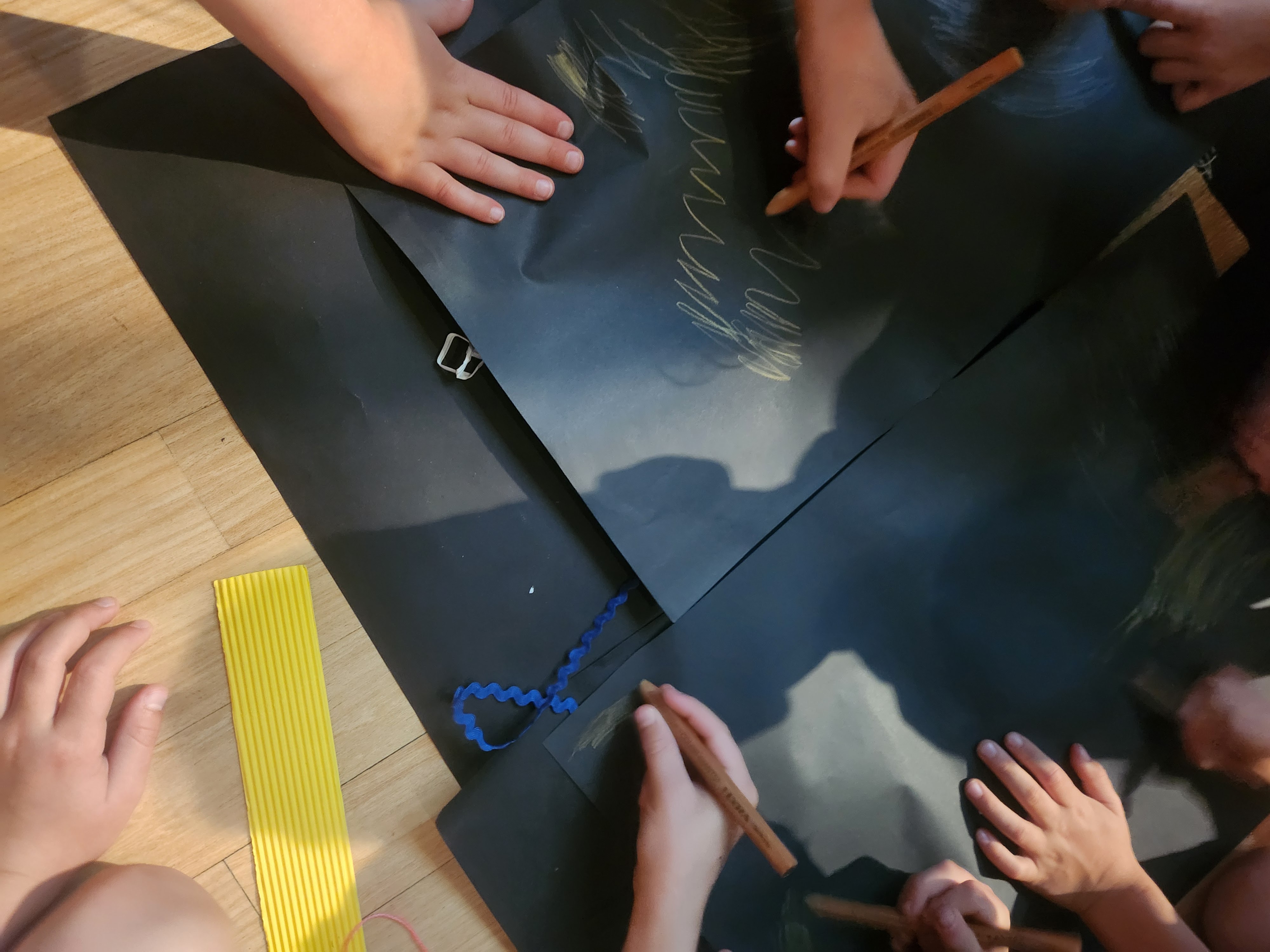
In your groups, create a paper prototype of the system as illustrated in your storyboard. This should be a tangible version that walks someone through the storyboard you have developed. Materials will be provided.
When creating your prototype, consider:
As a group, present your prototype to the class and discuss:
This is a good chance to practice the sketching skills discussed in the lecture. Make sure your sketch has the important elements of a sketch that we talked about.↩︎
If you have forgotten what a “Wizard of Oz” evaluation is, look back at the lecture, the text book or this resource (Porcheron et al., 2021).↩︎