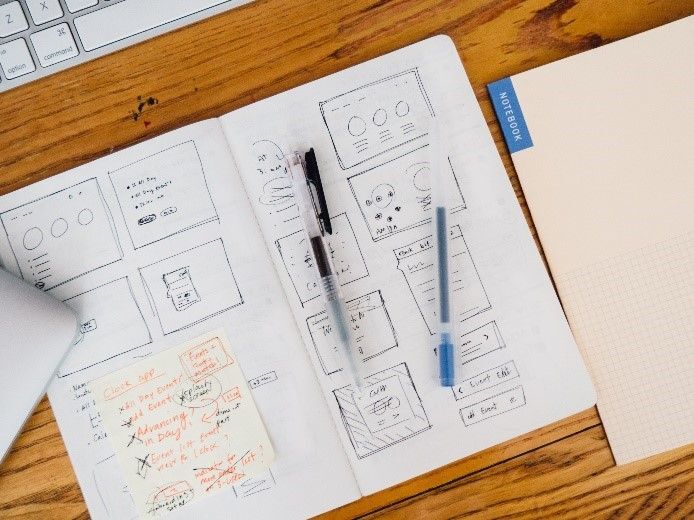
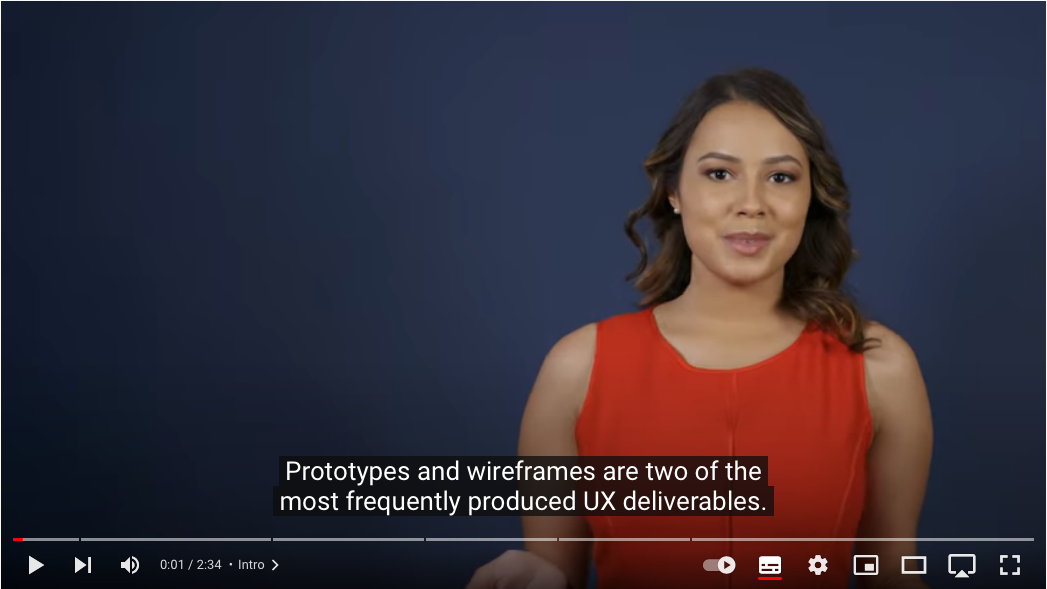
Sketch and Prototype

Dr Charles Martin

Announcements

  • Assignment 1: Prototyping is out — due Monday 24 August, 23:59 AEST.
    • fork the template repo and push early: the CI checks your formatting and word count
    • questions on the forum welcome, look in the “assignments” category.
  • Today’s lecture (sketching and prototyping) is the practical core of Assignment 1.

Plan for the class

  • Sketch
  • Prototype
  • Make

Making

Last week I talked a bit about identity in HCI.

The maker identity is really relevant to me.

Making things to find out what, whether, how, and why.

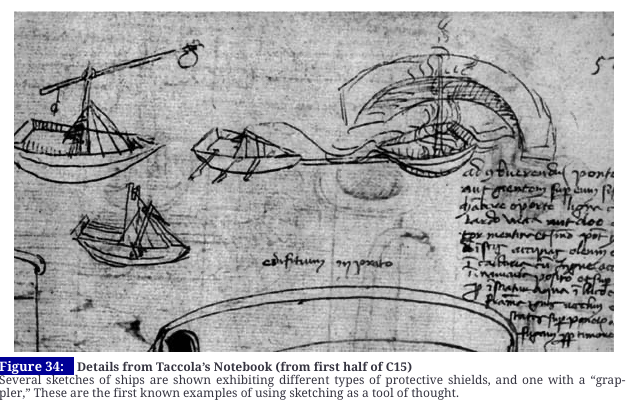
Making as research methodology (Frayling, 1993; Zimmerman et al., 2007).

The framing this week around sketches and prototypes as different things with rules may not be something I agree with!
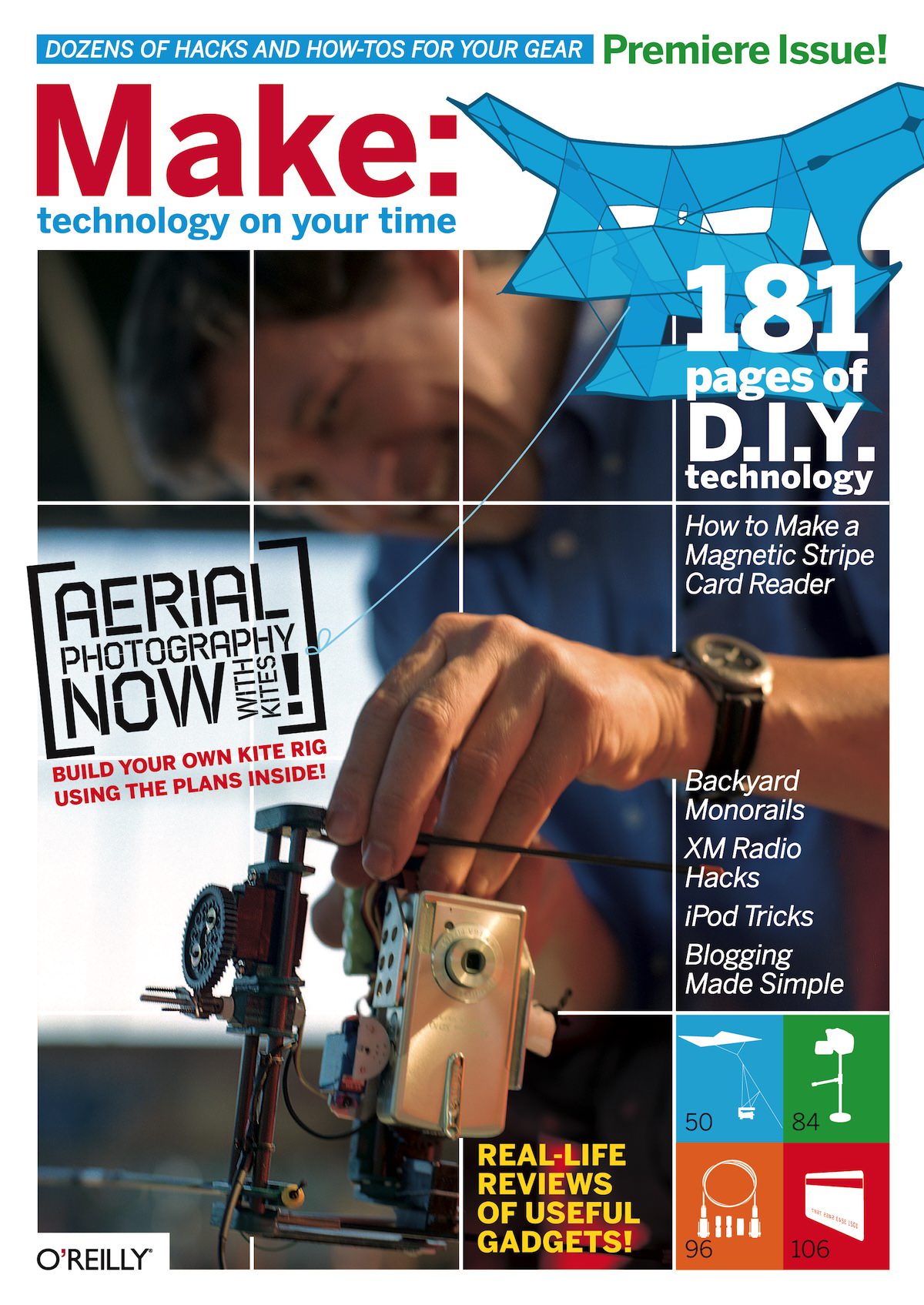
Make Magazine Issue 1, 2005. (Charles was 2nd year maths/music student at ANU)

Sketching Design Ideas

  • What is a sketch?
  • What makes something a sketch?

What is a sketch?

  • quick
  • timely
  • inexpensive
  • disposable
  • plentiful
  • clear vocabulary
  • distinct gesture
  • minimal detail
  • appropriate degree of refinement
  • suggest and explore rather than confirm
  • ambiguous: you can get more out of a sketch than you put in!
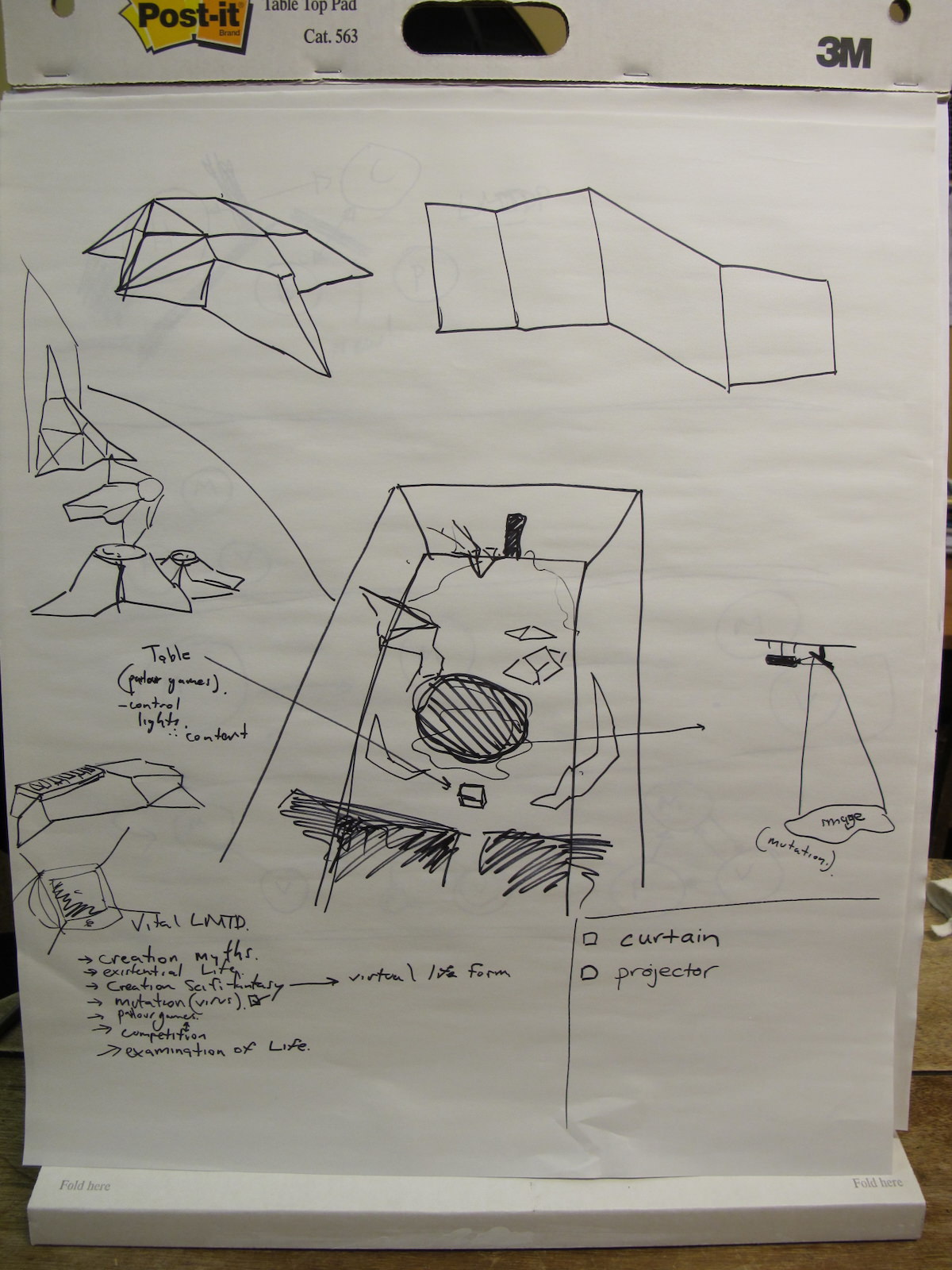
(Buxton, 2007, pp. 111–113)

Sketching a stage in 2010

What should a sketch include?

This is up to you, but it could have

  • title
  • annotations
  • short description
  • a drawing

Design Idea: An AR app on a mobile phone that allows mosaic makers to preview tiles before gluing. This can help to choose colours and preview placement and positioning before being fixed.
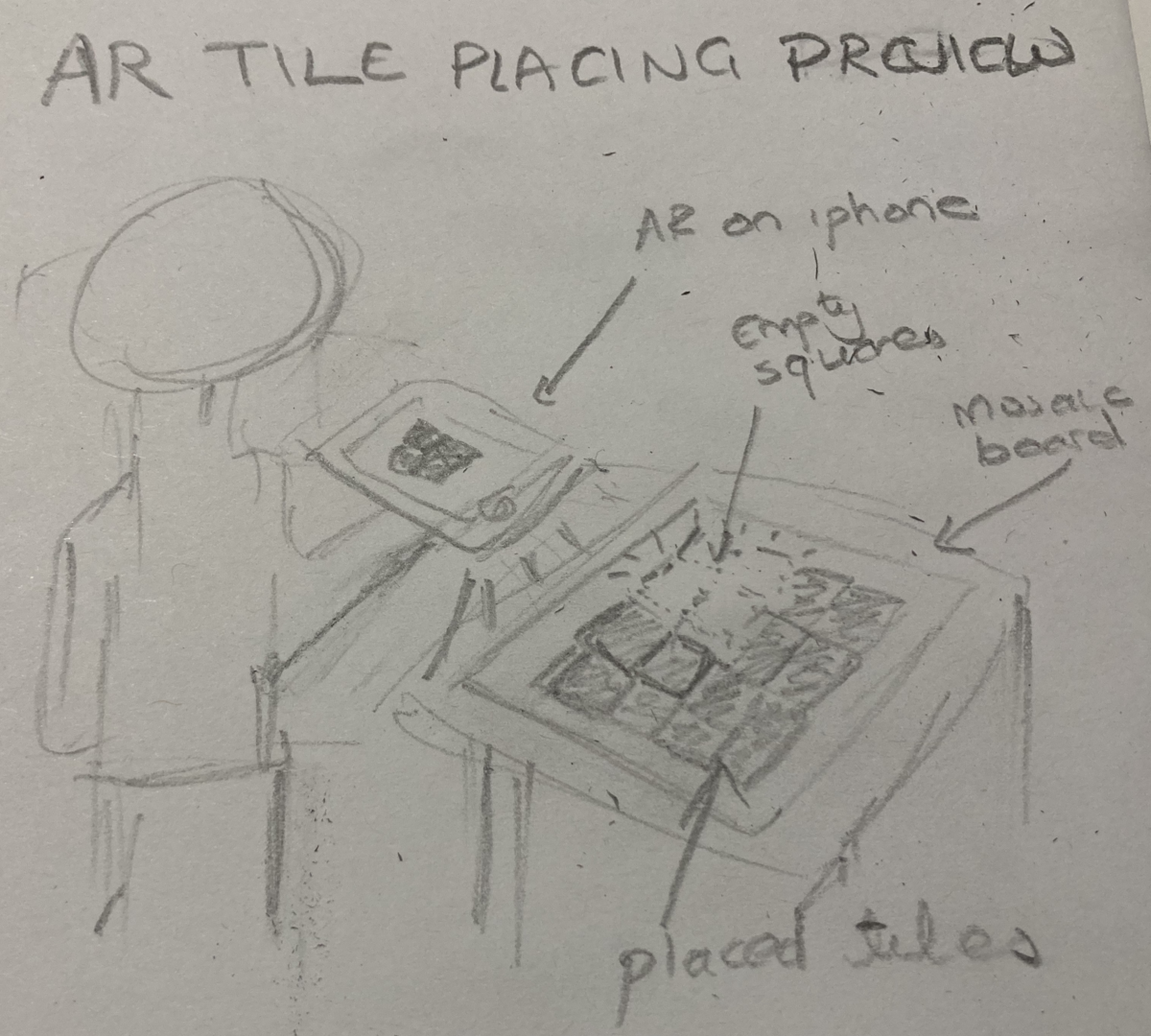
Sketch of the AR app idea.

Activity: Sketching toolkit?

Talk: ✏️📓🖊️ What’s your sketching toolkit? How do you develop ideas?

Discuss with someone for 2 minutes then we’ll hear some answers.

I give you permission to buy expensive notebooks and pens for this course.
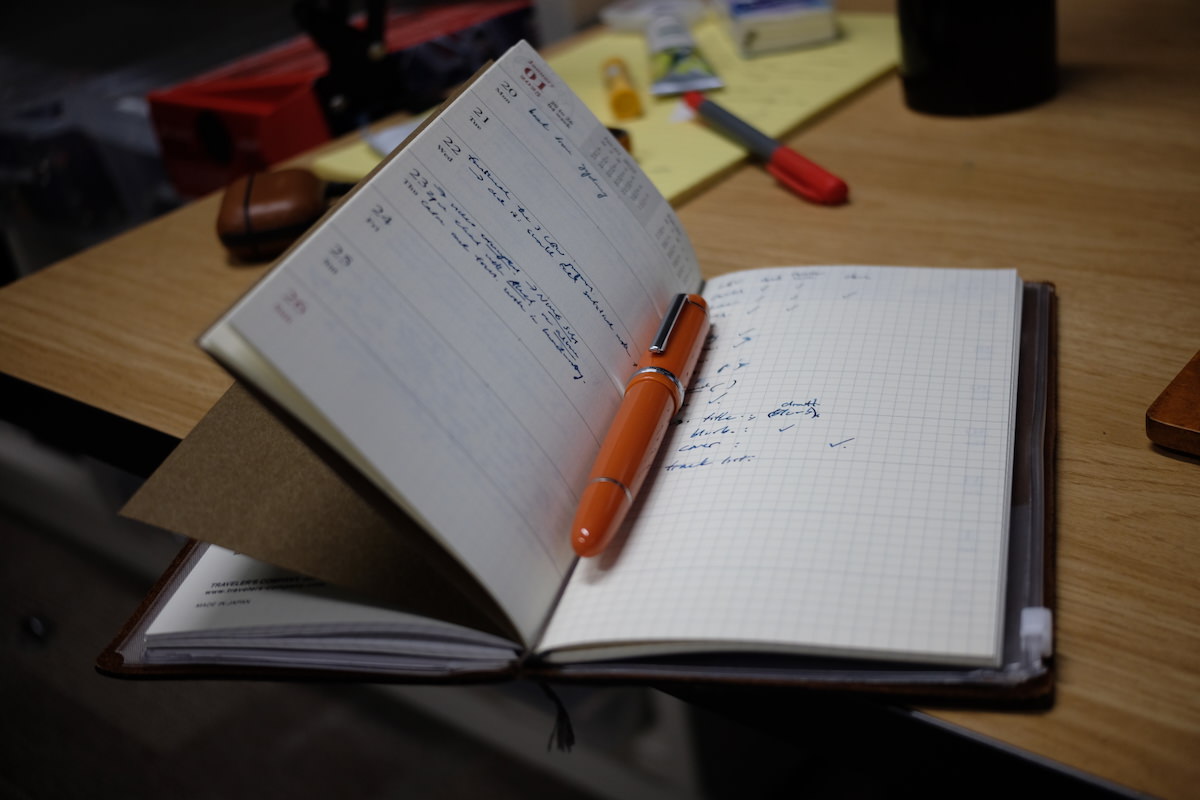
Charles’ usual notebook.

Is a sketch a prototype?

No.

Why not?

Is sketching still relevant when LLMs make implementation cheap?

Yes! (I argue).
Getting the Right Design vs Getting the Design Right
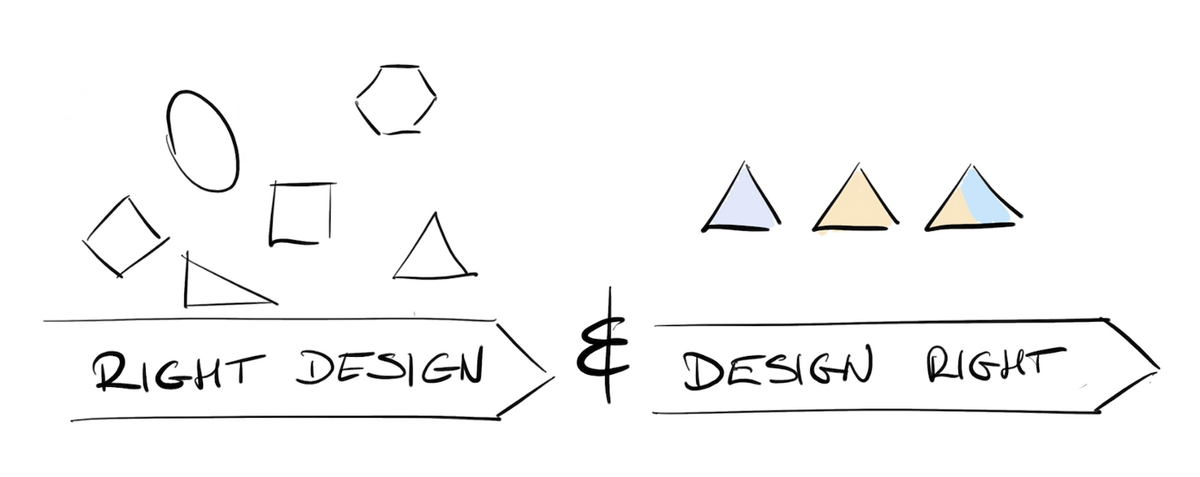
Image source: Getting the right design and the design right (uxdesign.cc)

Bill Buxton sez! So do it! (Buxton, 2007)

Activity: Sketch Demo

Do: Let’s sketch something (sound familiar?):

How can a magpie order takeaway online?

  1. Suggest a design idea on PollEverywhere: https://PollEv.com/charlesmarti205
  2. Help me sketch it.
Poll Everywhere QR code

Prototyping

What is a prototype

  • “primitive form”
  • the form that comes before… something.
  • in this context:
    • a testable form
    • a form we can experience
  • enables evaluation and iteration
  • primitive: should be somehow rough or limited
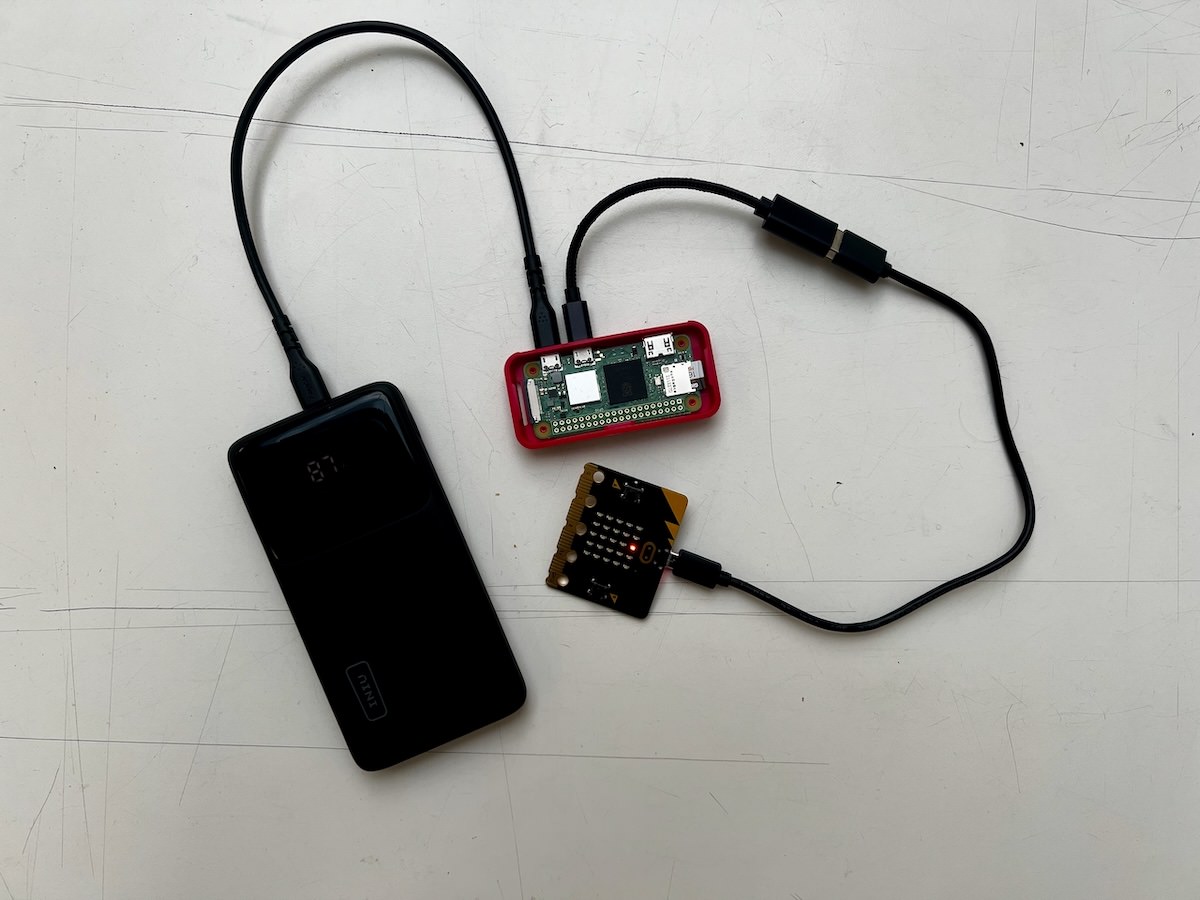
A prototype AI musical instrument.

More of what a prototype is

manifestation of an idea (Doorley et al., 2018), e.g.:

  • a wall of post-its
  • a role-playing game
  • an activity
  • an object
  • a program
  • a website
  • an app
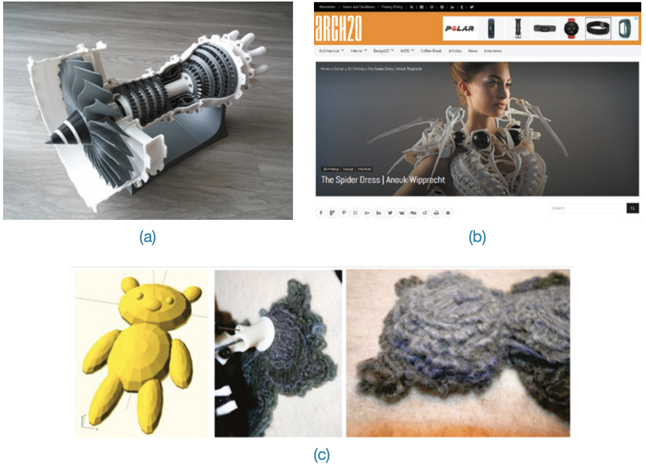
(Rogers et al., 2023) Figure 12.2: (a) model jet engine, (b) moving and sensing dress, (c) a teddy bear printed from a wireframe design

Why make prototypes

  • empathy gaining
  • exploration (build to think)
  • testing
  • inspiration
  • learn
  • solve disagreements
  • start a conversation
  • fail quickly and cheaply
  • manage solution-building (Doorley et al., 2018)
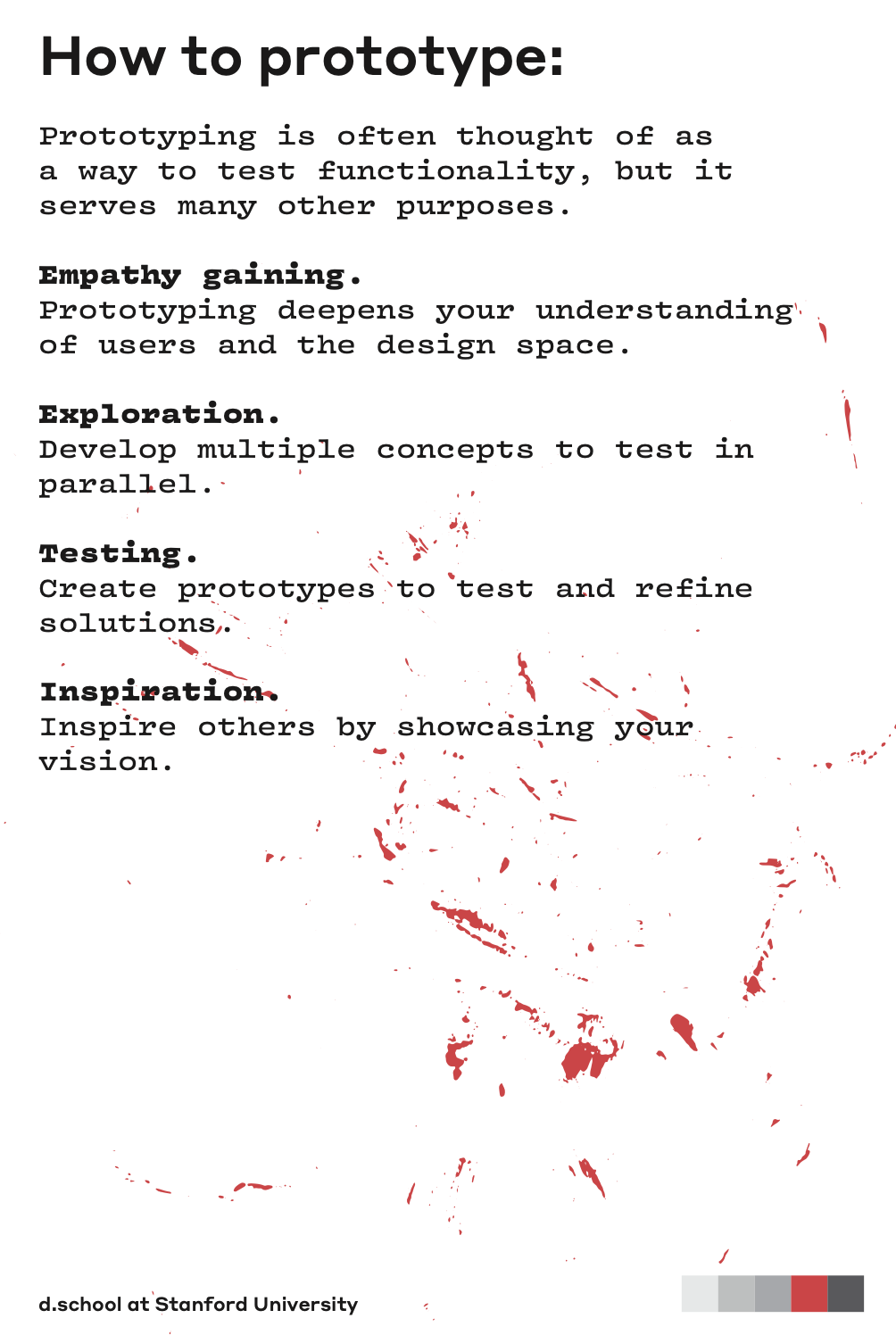
How to prototype from Doorley et al. (2018)

Game

A prototype game from Anneysha Sarkar

EMPI (embodied musical predictive interface)
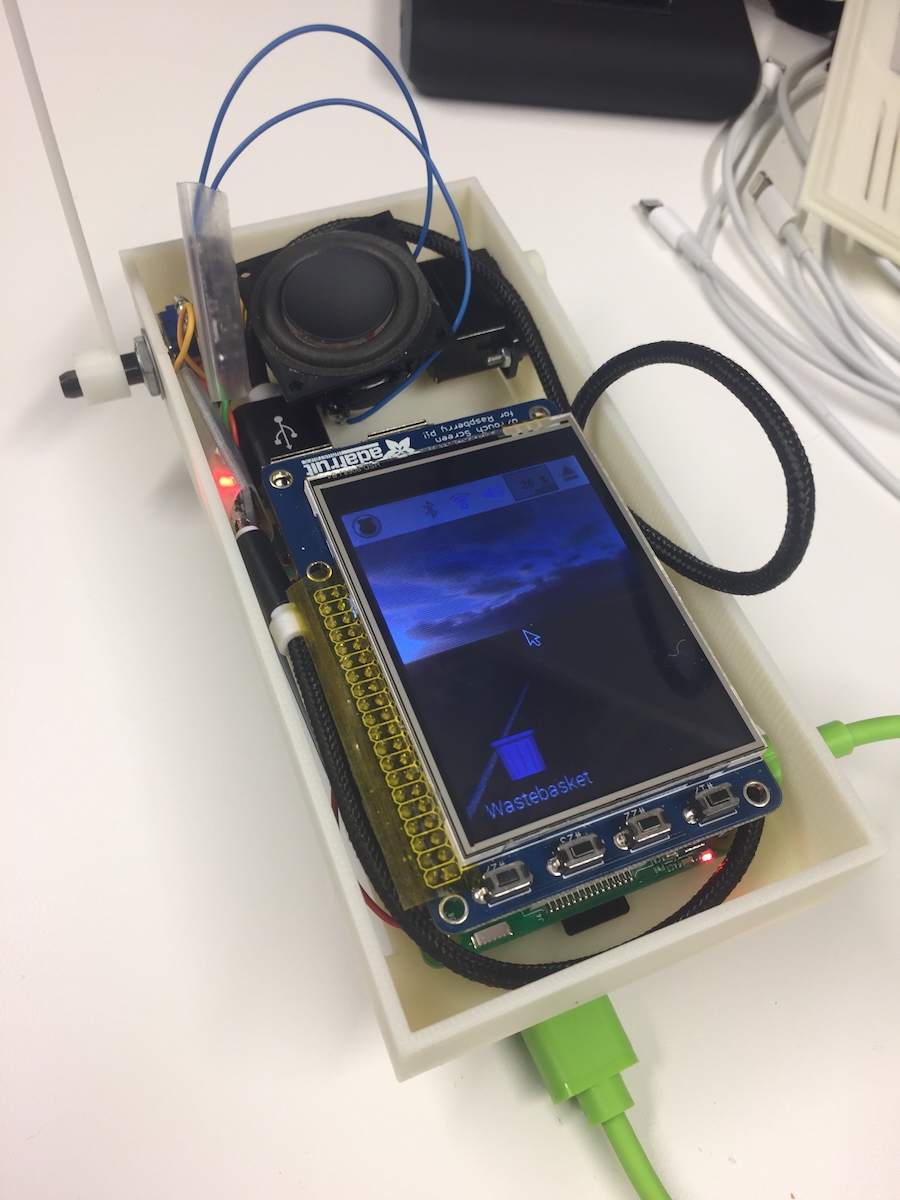
An early prototype (2018)
A later prototype (2019) (Martin et al., 2020)

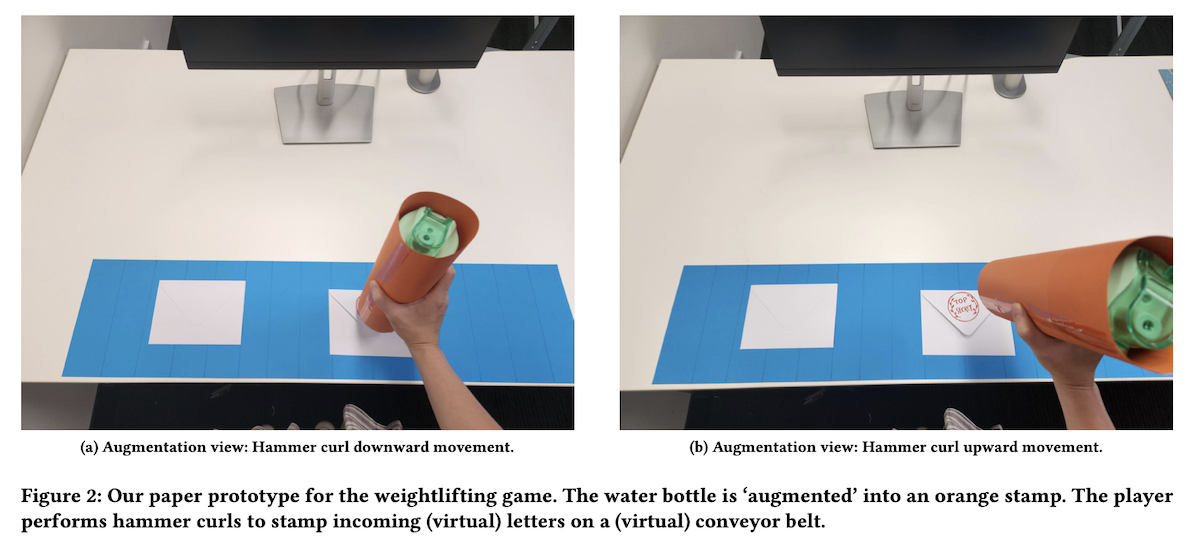
Charades: Waterbottle Stamp (2025)

(Adiwangsa et al., 2025)

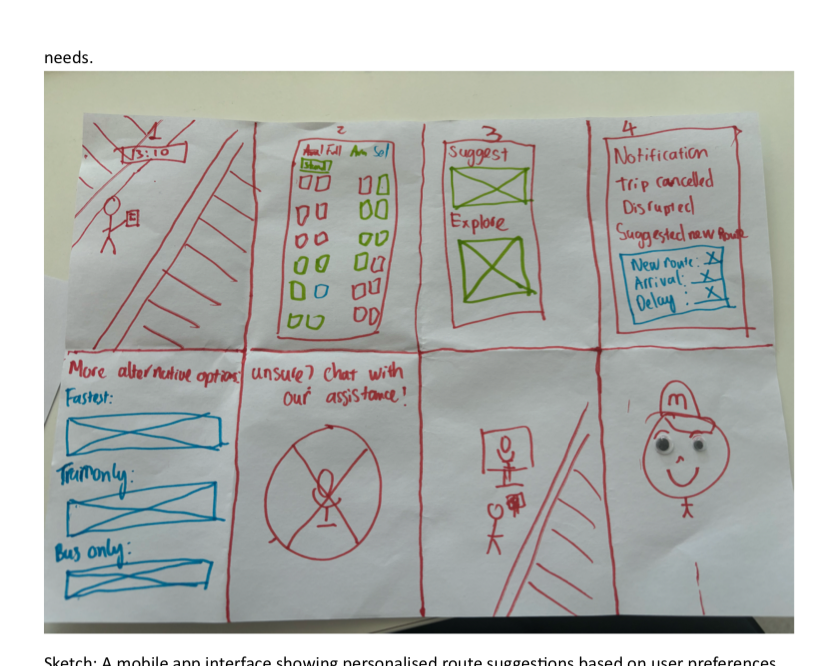
Storyboard

A storyboard as a prototype from Ethan Teber-Rossi

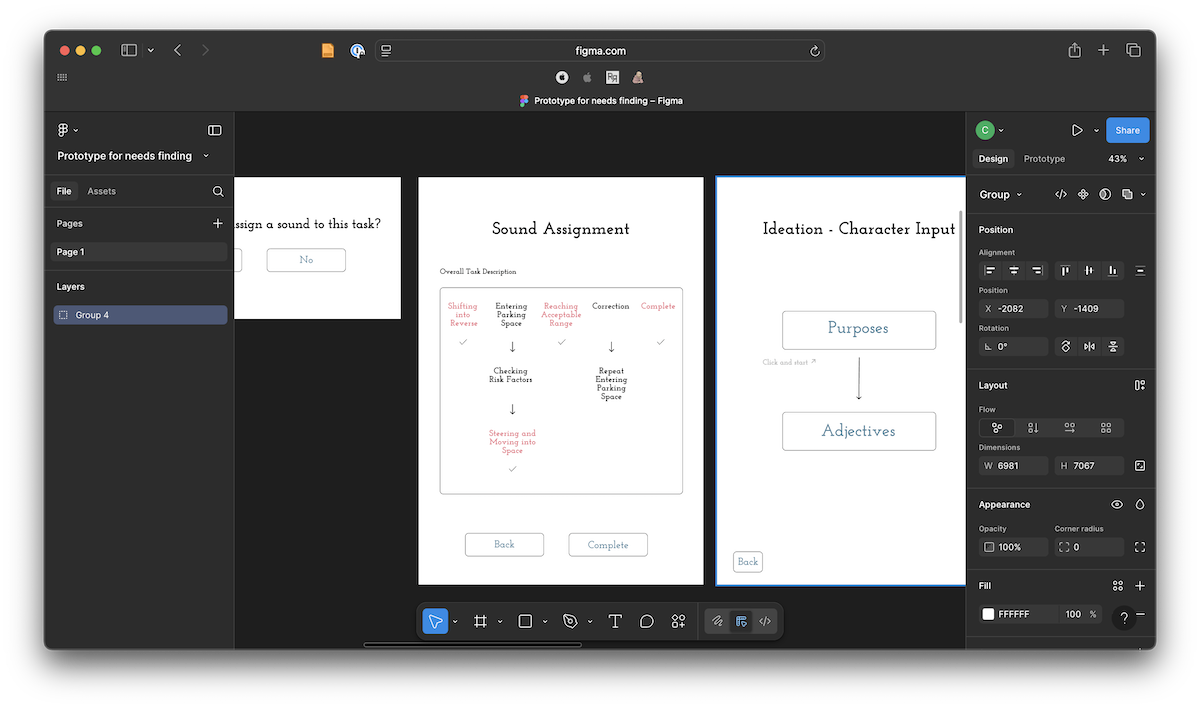
Wireframe

A wireframe prototype from Minsik Choi

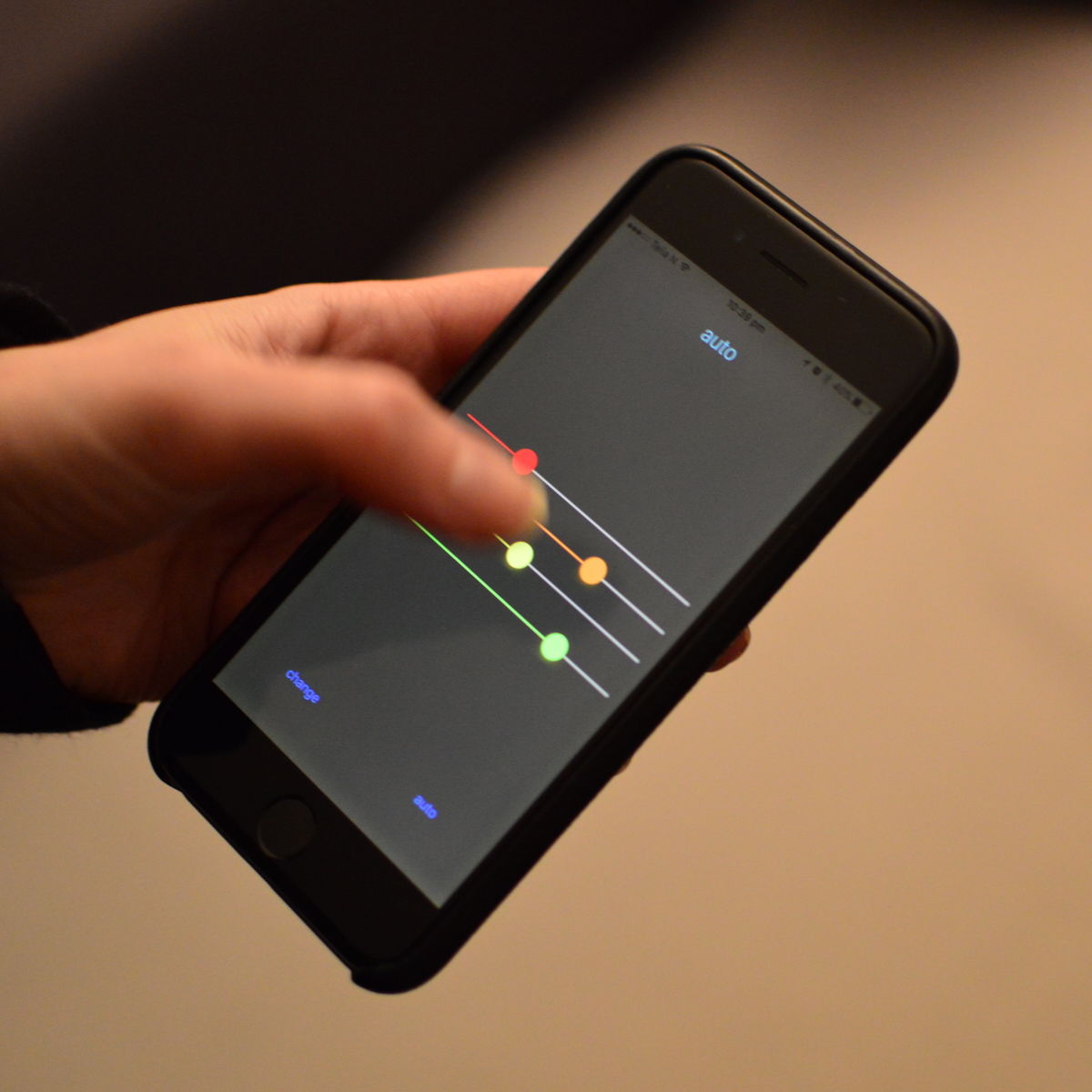
FaderJam (2016)

Prototype for a generative music app by Charles (turned out to be a bad idea)

Wireframe App

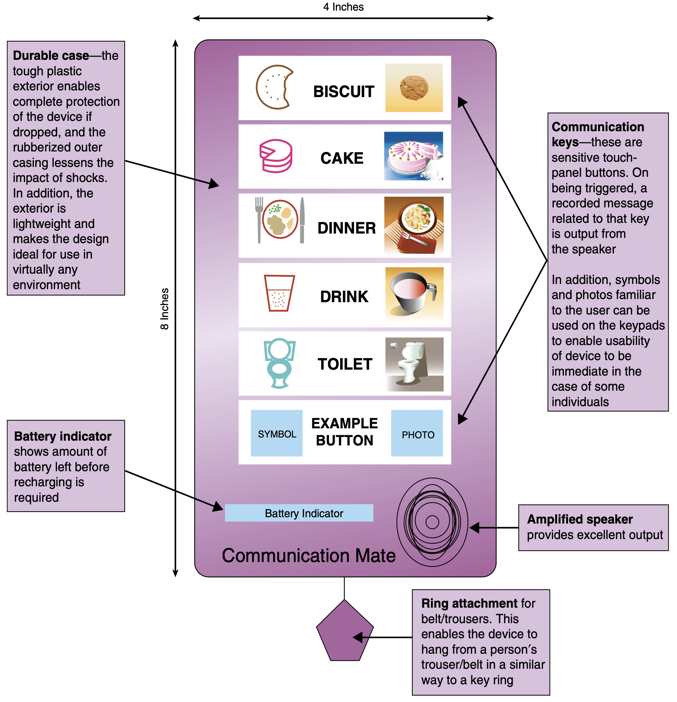
  • Paper-based prototype to help a child with autism to communicate
  • Functions and buttons
  • Positioning and labels
  • Shape of the device
  • No actual functionality
Rogers et al. (2023), Figure 12.3

Kinds of Prototypes

  • all of the above were used to test ideas and drive evaluation
  • some are more like a final product
  • we use the word “fidelity” to mean how close a prototype is like a final product
  • low-fidelity: (low-fi) rough, quick, not like a final product
  • high-fidelity: (high-fi) more polished, slower to make, more like a final product
  • a better question than “how much fidelity?”: what does your prototype prototype? its role, its look and feel, or its implementation? (Houde & Hill, 1997)

Prototype Definitions and Analysis

Filters and Manifestations

Filters: emphasise some aspects of a design, omit others. (Lim et al., 2008; Rogers et al., 2023, Box 12.2)

  • Appearance: size, colour, shape, form, texture, sound
  • Data: size, type, use, privacy, organisation
  • Functionality: needs, features
  • Interactivity: input, output, feedback
  • Spatial Structure: arrangement of interface, intangible, tangible, 2D, 3D

Manifestations: an external representation of the design (Lim et al., 2008; Rogers et al., 2023, Box 12.2)

  • Material: media used, physical, code, hardware etc
  • Resolution: level of detail and sophistication (fidelity)
  • Scope: range of functionality, needs addressed

The prototyping spectrum

Prototyping - Low-Fidelity

  • Don’t look/act like the final product
  • Simple, cheap, quick to produce/modify
  • Support exploration of alternative designs/ideas
  • Important in early stages - exploration/modification
  • Not meant to be kept and used for the final product
  • Storyboarding, Sketching, Index Cards, Wizard of Oz
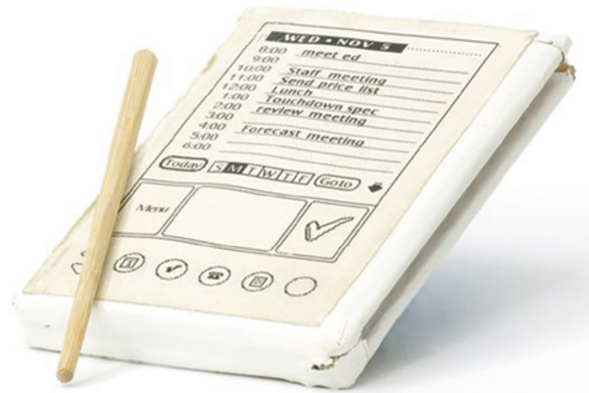
Rogers et al. (2023) Figure 12.1: PalmPilot wooden prototype

Low-Fi: Storyboards

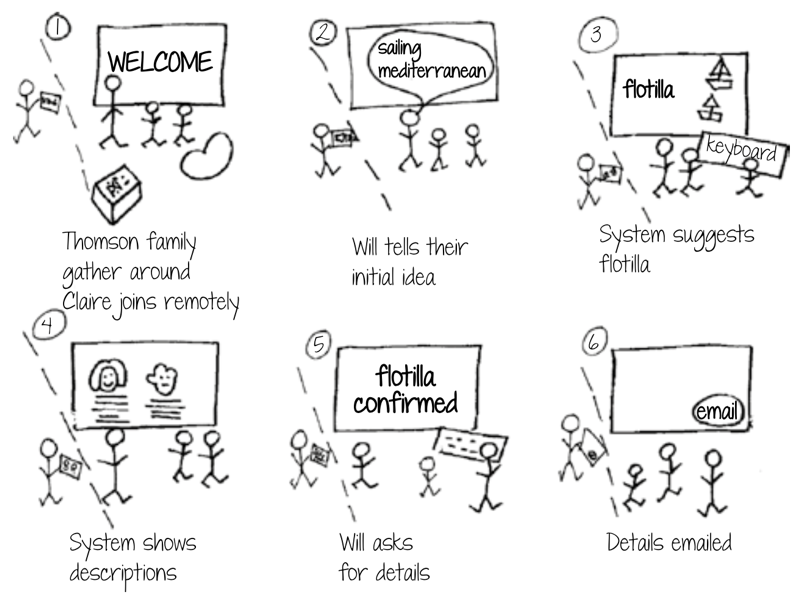
  • a scenario is one story
  • a storyboard represents a sequence of events (can be sketches)
  • generated from scenario
  • break the story into steps
  • thinking through process
  • think about design issues
Rogers et al. (2023) Figure 12.12 travel organiser storyboard

Low-Fi: The Role of Sketching

  • Sketching - a key part of low-fidelity prototyping
  • “Sketching is not about drawing. Rather, it is about design” (Greenberg et al., 2012)
  • Sketching vocabulary, required elements

So a sketch is a prototype? Which is it?
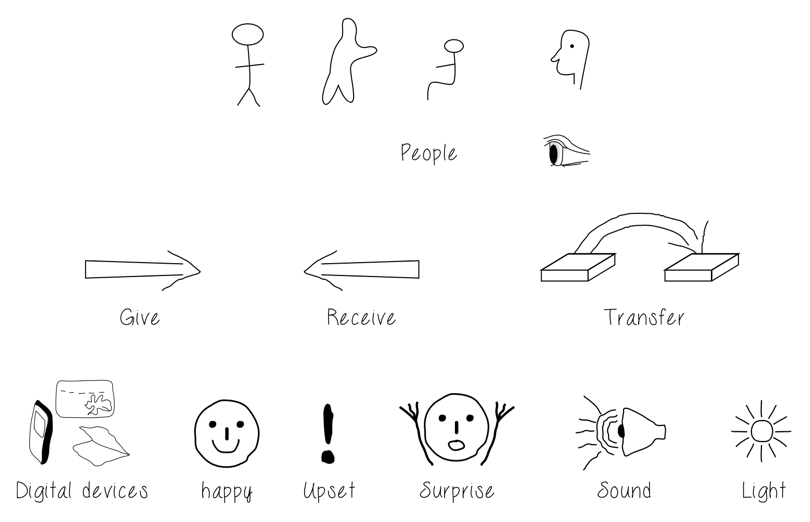
Rogers et al. (2023) Figure 12.5: simple sketches for low-fidelity prototyping

The sketch-to-prototype continuum

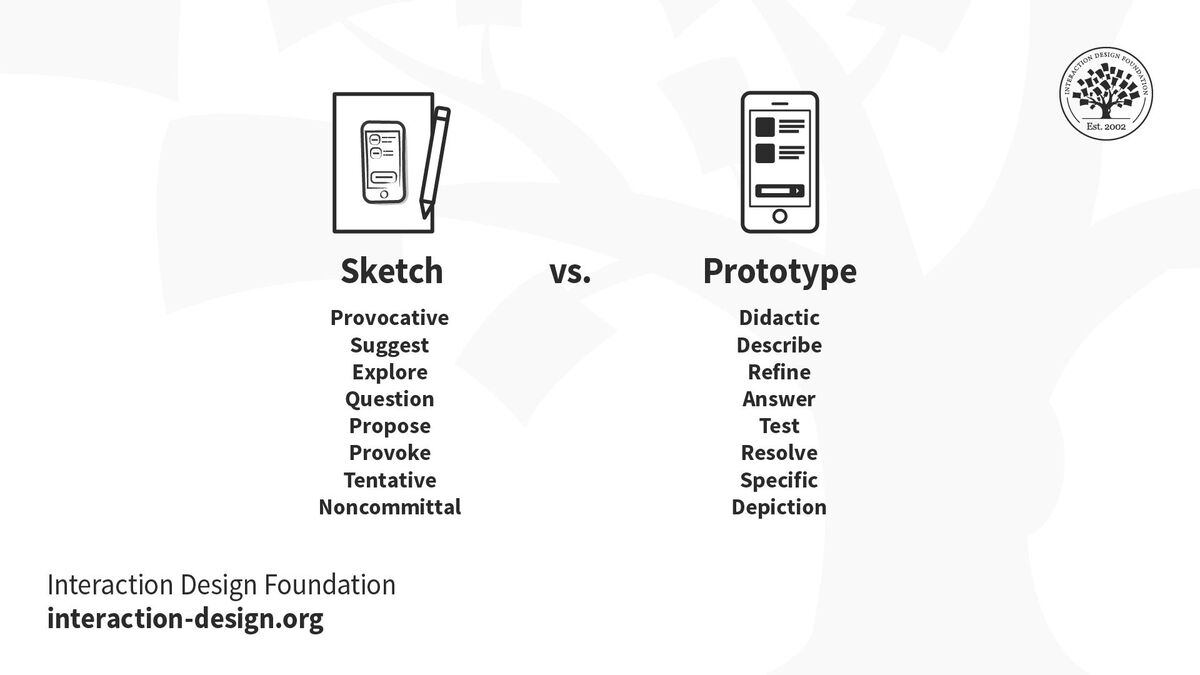
Buxton’s own answer: the difference is one of purpose, or intent — “a continuum, not an either/or proposition” (Buxton, 2007, Figure 52):

a sketch is… a prototype is…
evocative didactic
suggest describe
explore refine
question answer
propose test
provoke resolve
tentative specific
noncommittal depiction

So: don’t ask “is this a sketch or a prototype?” — ask what it’s for.

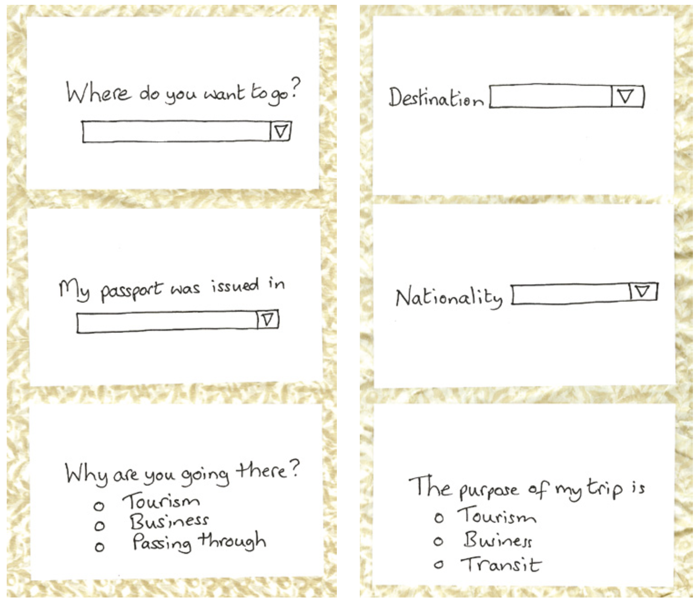
Low-Fi: Card-Based Prototypes

  • Index cards (Small pieces of cardboard: 3x5 inches)
  • Each card represents one element of the interaction
  • A screen, icon, menu, dialog exchanges
  • User can step through the cards
  • Pretending to perform the task while interacting
  • Explore user experience
Rogers et al. (2023) Figure 12.12 travel organiser cards

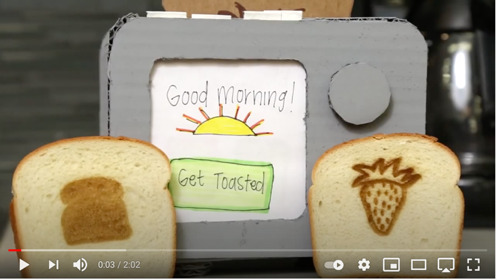
Low-Fi: Paper and Cardboard Prototypes
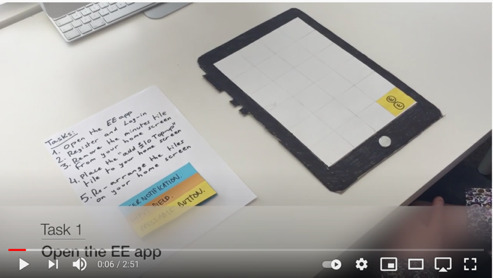
Paper Prototyping

It’s not just the prototypes, but how you use them!
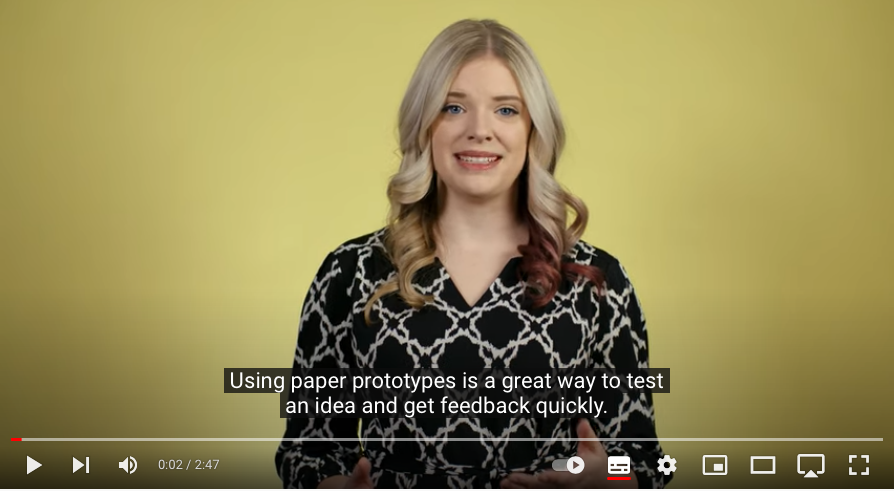
Paper Prototyping 101

Low-Fi: Wireframes

Wireframes in a sketchbook

Prototypes vs Wireframes

Prototypes vs Wireframes

Wizard of Oz Experiments

Can we test a product that doesn’t exist?

  • user interacts with the software
  • a human simulates the software’s response
  • assumes a software product or app
  • see Porcheron et al. (2021) for a look behind the curtain
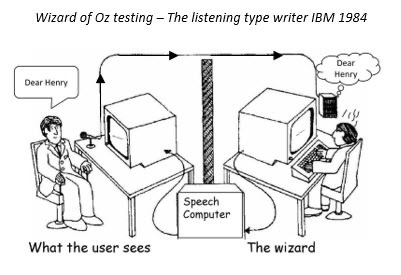
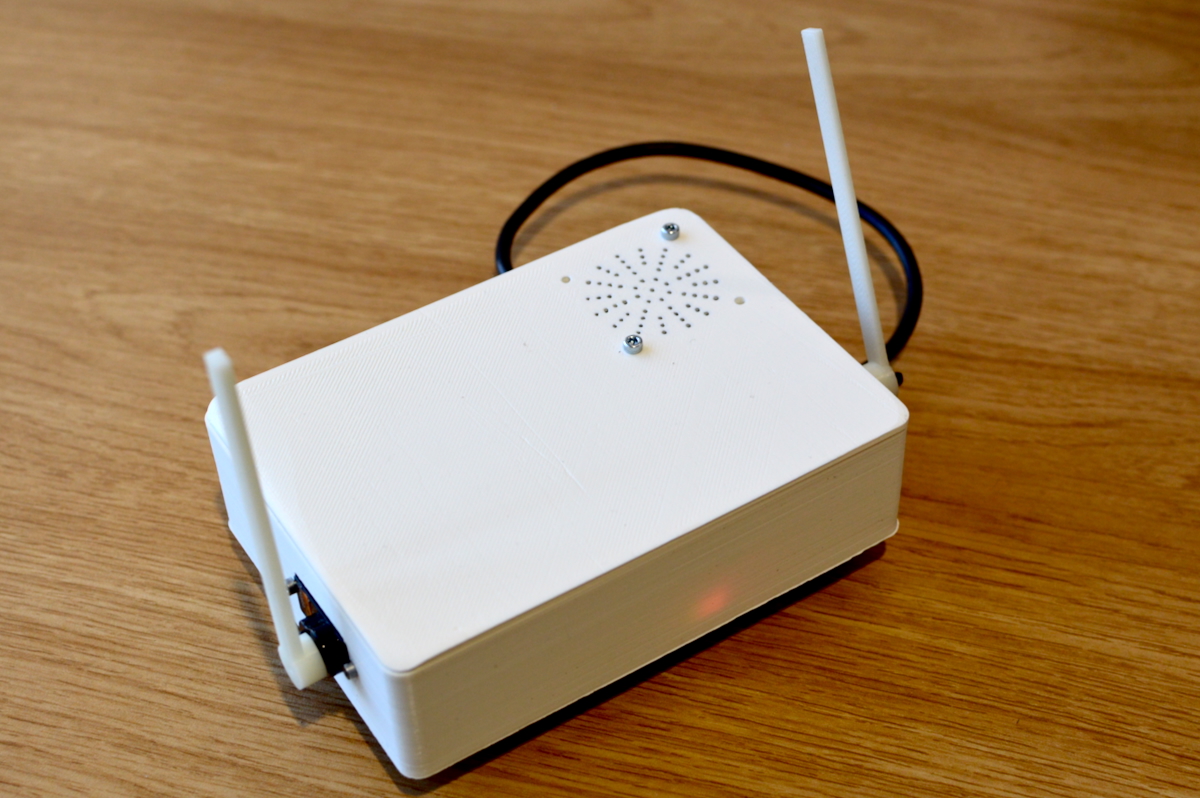
Making Hardware Prototypes

  • Build working prototype systems in hardware
  • micro:bit - cheap, small, with IO on the board (hello comp2300!)
  • arduino, big ecosystem, not-as-good boards.
  • raspberry pi, cheap way to get Linux into a prototype
  • Bela (charles’ friends!), pricey but hard realtime OS is good for audio interactions.
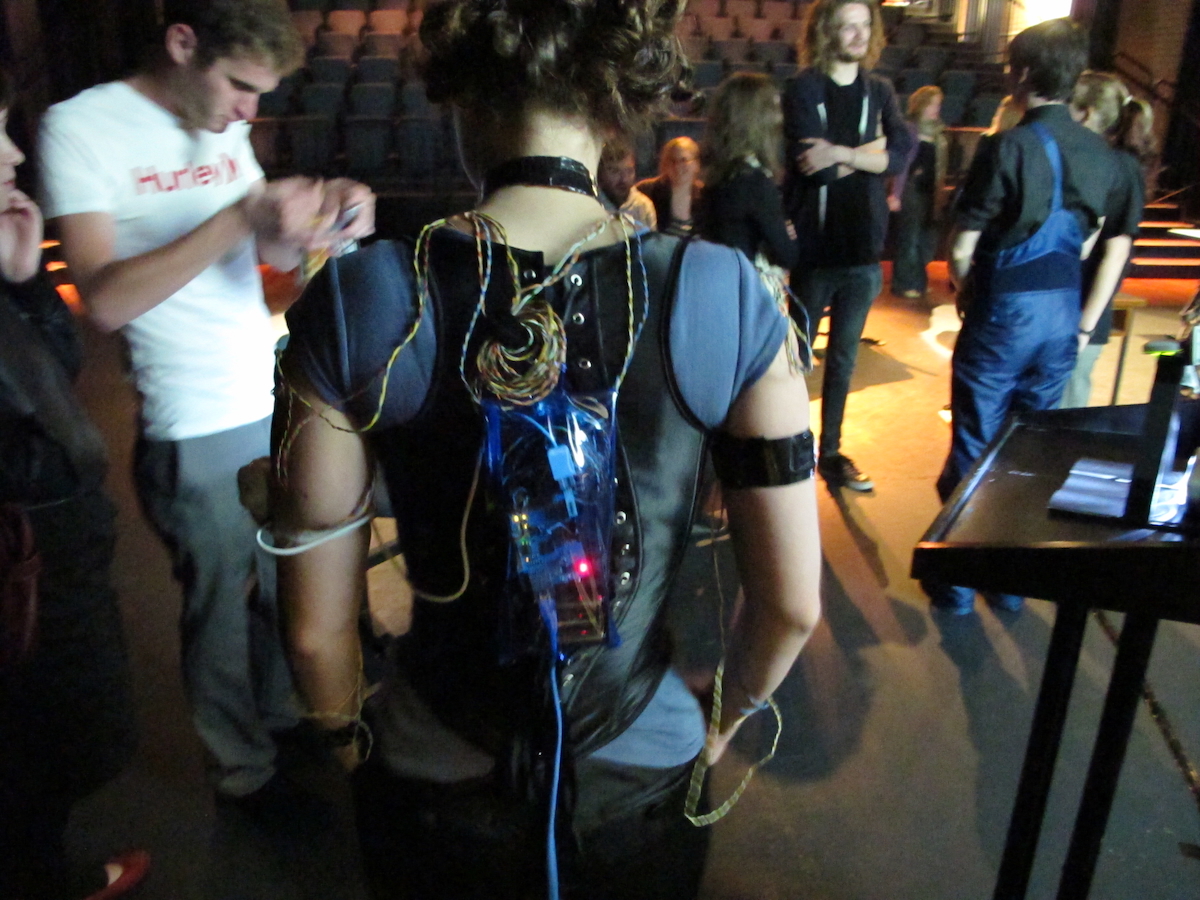
Actor arduino interface (2010)

Makey Makey

  • alligator clip to connect switches / sensors
  • works as a keyboard
  • e.g., banana spacebar
  • programmable arduino-like microcontroller
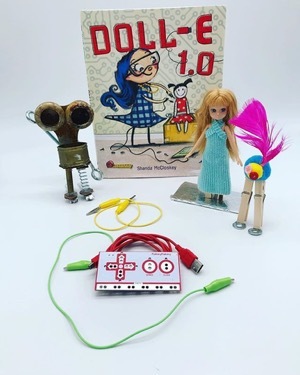
The Makey Makey

High-Fidelity

  • looks and acts more like the final product
  • answer design questions, learn about constraints
  • evolve through stages of fidelity
  • can be used in a real application setting
  • design-evaluate-redesign cycles
  • modify/integrate existing components / tools / kits
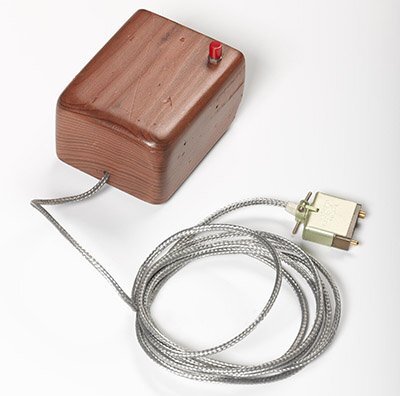
low- versus high-fidelity

Type Advantages Disadvantages
low-fi - quick revision
- multiple ideas
- good for communication
- good proof of concept
- limited error checking
- poor specification for dev
- facilitator driven
- usability not clear
- flow limitations
high-fi - more functionality
- more interactive
- user driven
- exploration and test
- look and feel
- marketing/convincing
- hard work
- time consuming to fix
- inefficient for proof of concepts
- could be mistaken for a product
- could set poor expectations

(adapted from Rogers et al. (2023); the original debate is Rudd et al. (1996))

Compromises

  • compromise is inherent to prototyping
  • make something quickly to test a particular aspect
  • prototype must be built with the key issues in mind
  • robustness vs flexibility

What makes a prototype testable?

Four criteria the tutors and I worked out for this course — a synthesis of ideas from the literature (Houde & Hill, 1997; Lim et al., 2008):

  1. Interactive: users can actually perform the task — take an action and see a response (even simulated)
  2. Clear: users can tell what the system is, what to do, and what just happened
  3. Evaluative: you can observe success, hesitation, or confusion — something to learn from
  4. Focused: every part helps answer your testing question; the best prototype is the simplest one that makes an idea’s possibilities and limitations visible (Lim et al., 2008)

For Assignment 1, interactive, clear, focused matter most: show how the interaction works. We’ll return to all four when we prototype for evaluation later in the course.

Prototyping Starter Kit

Post-its, notebooks, arts and craft materials

  • take one step up from sketching
  • paper version of your work testable
  • low tech, low-fi, low risk, low cost
  • from storyboards to cardboard mockups with moving parts

Note: You’ll do this in the tutorial next week!

Instruction: Use this method for assignment 1!
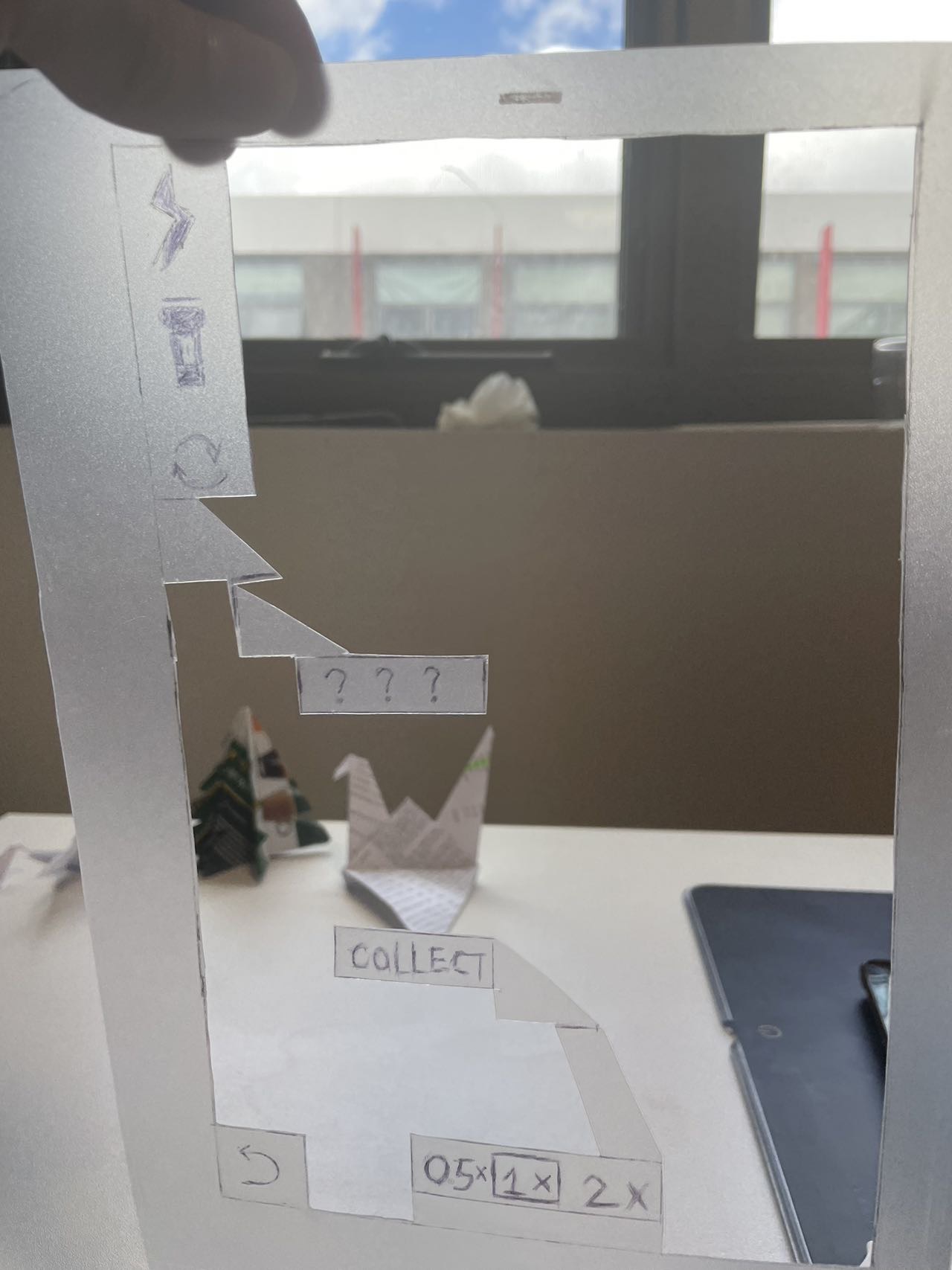
Paper AR app by Kevin Zhu, 2024.

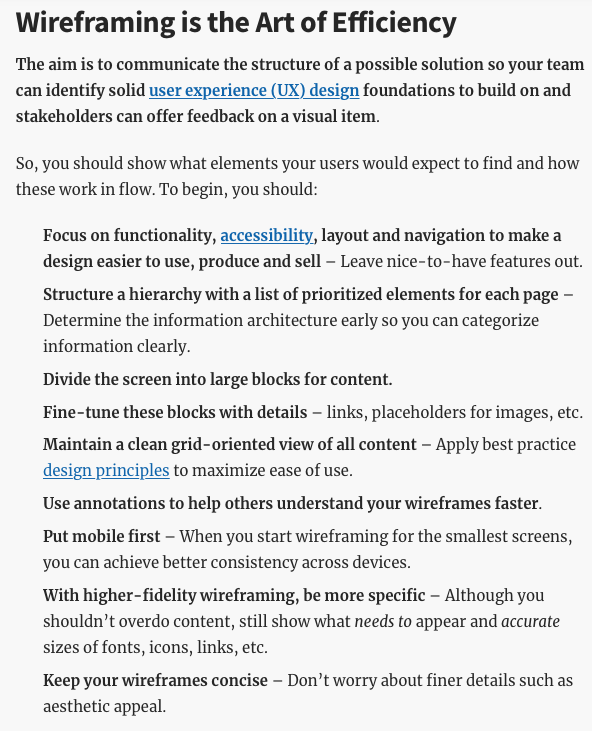
Digital Wireframe

wireframes are visual plans for a user interface focussed on structure.

Established part of UX design process. Can walk through details of an interactive system with stakeholders.

Warn: Don’t do this for assignment 1!
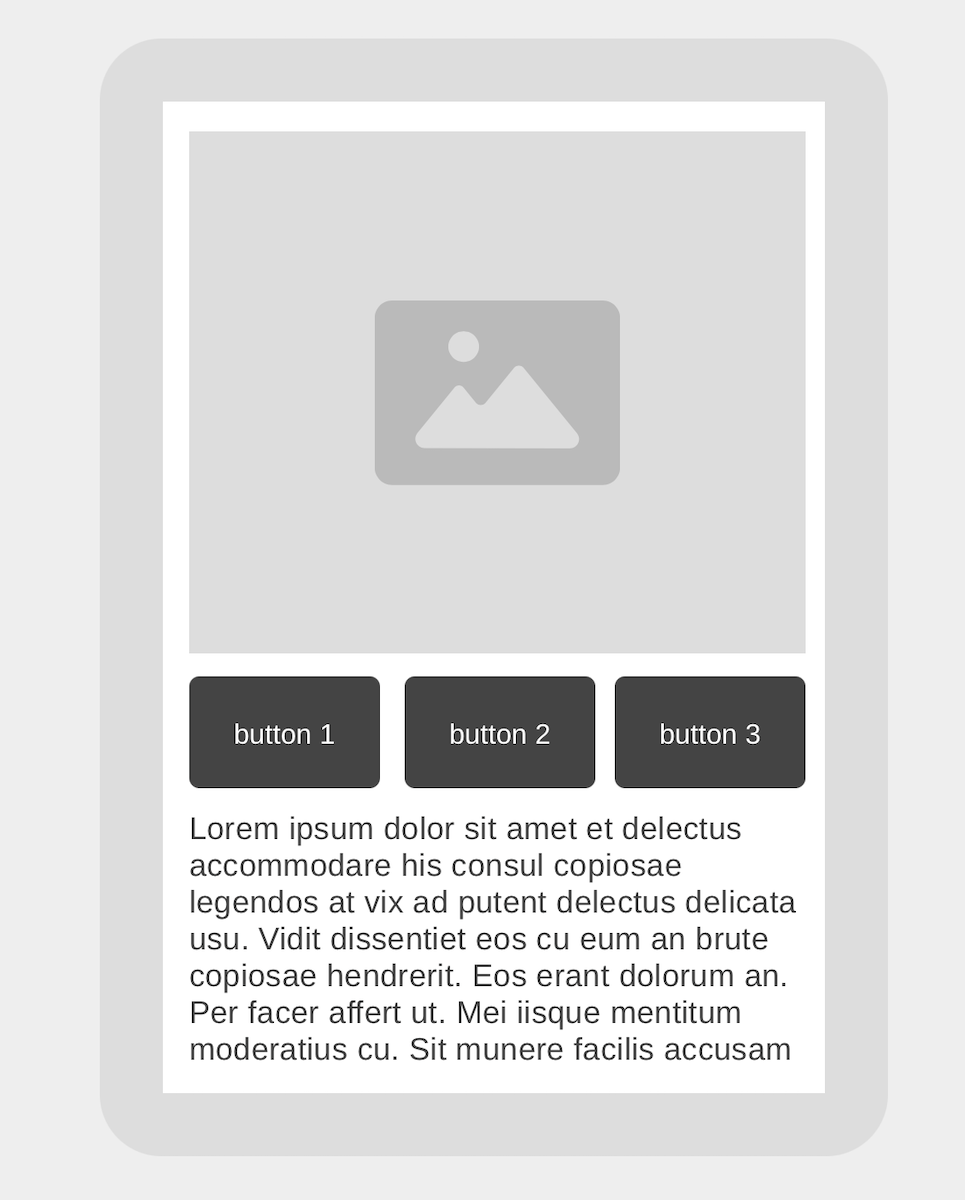
A wireframe of my awesome product.

p5.js or Processing

Make interactive systems quickly with a “sketching in code” mindset.

  • Processing is the original (Java-based)
  • includes a simple IDE and library system
  • p5.js is a javascript port
  • includes an online editor

Fast, interactive, not good for “normal” web design.
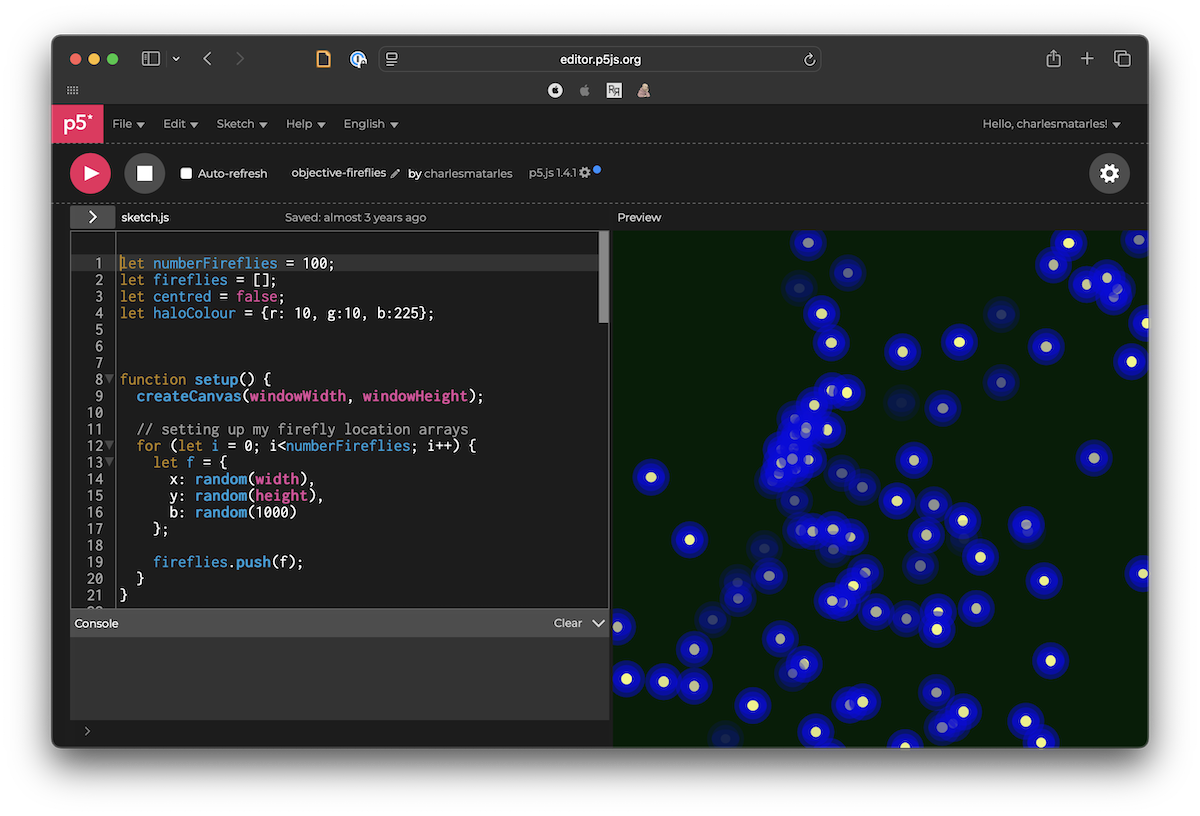
Hardware Prototyping

Sketch in hardware.

  • Arduino, Microbit, Bela
  • soldering and circuit design
  • 3D printing
  • fun, frustrating
  • can be expensive

Convincing to test with a “real” product, can be used in real-world experiences.
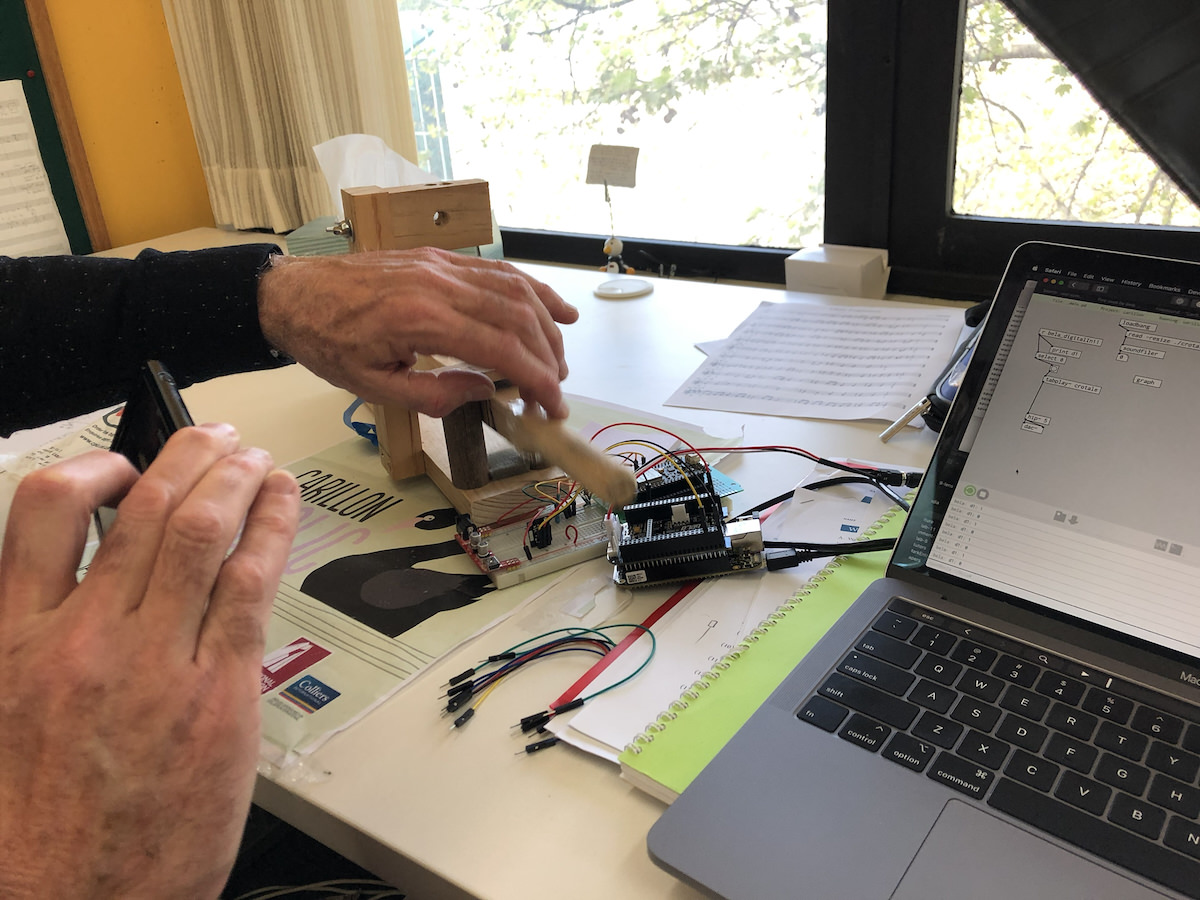
Alistair Riddell testing an electronic carillon key.

Web or Application Stack (of your choice)

Everybody has different skills and areas of interest.

  • where are you comfortable to experiment?
  • where do you want to build experience?
  • for Charles it’s usually:
    • Python/Flask/Bootstrap
    • or iOS/iPadOS, libpd (for sound)

Need to be careful to focus on prototyping. What does a prototype not need?

Go code. (Image: Photo by Luca Bravo on Unsplash)

Vibe Coding

Claude/Chattie G and even gemma4:e4b are pretty good at making interactive websites!

  • agentically build a prototype of your idea.
  • fast, cheap
  • risks?
  • problems?
  • affordances?

Changes the value calculations in HCI: we can build more/better prototypes faster. What are the new friction points?
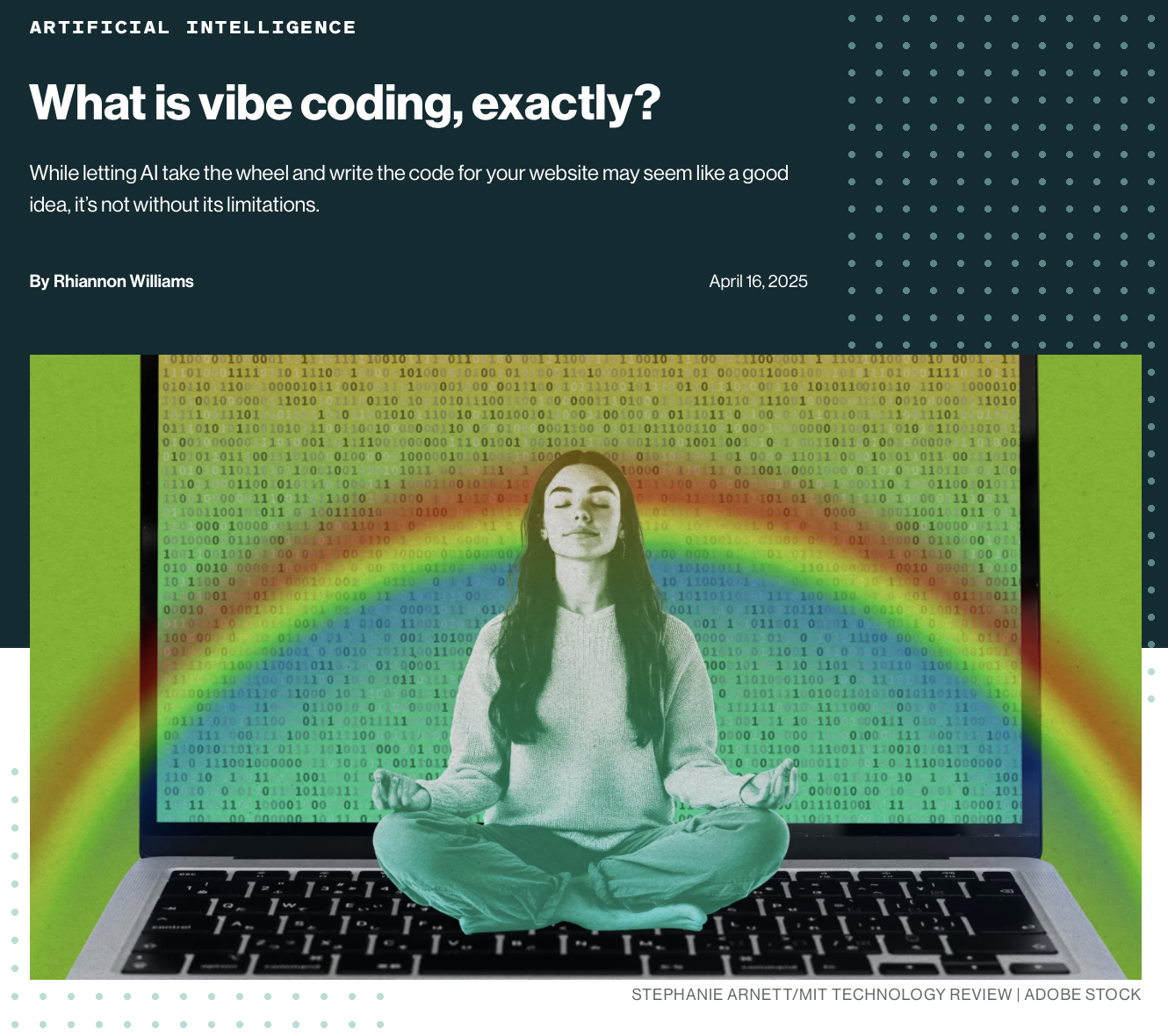
Vibe coding. Source: MIT Technology Review, April 2025.

Prototyping when your user isn’t human

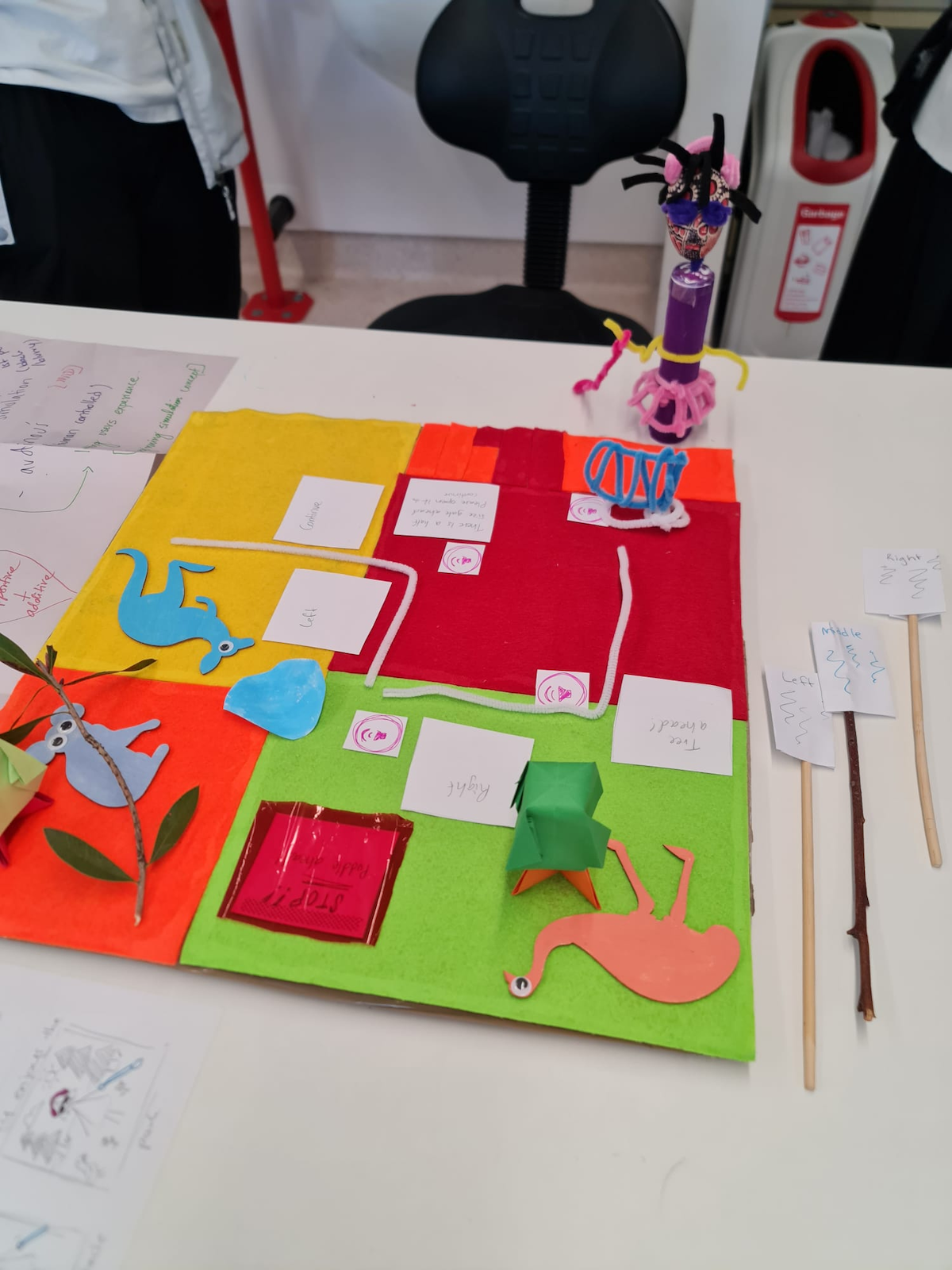
Animal-Computer Interaction (ACI) is a real research field (ACI ’24, 2024; Mancini et al., 2017).

  • your user’s senses, body, and behaviours are different — which filters matter changes (Lim et al., 2008)
    • appearance: colour vision, hearing range, smell
    • interactivity: input without hands, feedback they can perceive
  • you can’t interview your user (yet) — observe, role-play, Wizard of Oz
  • design for the animal’s capabilities, not a furry human’s

Sketching and Prototyping in your Assessment

  • in your assessments, sketches and prototypes are differentiated by role in a design process.
    • sketches: part of ideation process, quickly find lots of ideas, explore the needs and solutions
    • prototypes: lead to something testable, should articulate an interaction

Watch out: Highest-fidelity is not necessarily better!

  • best prototypes demonstrate a design process
  • allow the important aspects of interaction to be evaluated
  • I want to see evidence (through your prototypes) of a considered design process
  • different prototypes may be appropriate for different designs

Your prototype concludes an argument

  • your design rationale is the argument behind the artifact (MacLean et al., 1989) (week 2!)
    • each sketch is an option in your design space
    • the filters you chose to emphasise are your criteria (Lim et al., 2008; MacLean et al., 1991)
    • your prototype is the conclusion: why this design and not the others?
  • so the sketches aren’t decoration — they are the evidence for your argument
  • state what you gave up: a rationale nobody could disagree with is a description

Activity: prototyping by request

Do: Can we live-code a prototype before the end of this lecture?

  1. Choose a prototype idea on PollEverywhere: <PollEv.com/charlesmarti205>
  2. Help me figure out how to prototype it.
  3. ???
  4. 💸💸💰💲
Poll Everywhere QR code

Questions: Who has a question?

Who has a question?

  • I can take catchbox questions up until end of the lecture
  • For after class questions: meet me outside the classroom at the bar (for 30 minutes)
  • Feel free to ask about any aspect of the course
  • Also feel free to ask about any aspect of computing at ANU! I may not be able to help, but I can listen.
Meet you at the bar for questions. 🍸🥤🫖☕️ Unfortunately no drinks served! 🙃

References

ACI ’24: Proceedings of the international conference on animal-computer interaction. (2024). Association for Computing Machinery. https://doi.org/10.1145/3702336
Adiwangsa, M., Bransky, K., Wood, E., & Sweetser, P. (2025). A game of ChARades: Using role-playing and mimicry with and without tangible objects to ideate immersive augmented reality experiences. Companion Publication of the 2025 ACM Designing Interactive Systems Conference, 440–445. https://doi.org/10.1145/3715668.3736382
Buxton, B. (2007). Sketching user experiences: Getting the design right and the right design. Morgan Kaufmann Publishers Inc.
Doorley, S., Holcomb, S., Klebahn, P., Segovia, K., & Utley, J. (2018). Design thinking bootleg. Stanford dSchool website. https://dschool.stanford.edu/tools/design-thinking-bootleg
Frayling, C. (1993). Research in art and design. Royal College of Art Research Papers, 1(1), 1–5.
Greenberg, S., Carpendale, S., Marquardt, N., & Buxton, B. (2012). Sketching user experiences: The workbook. Morgan Kaufmann.
Houde, S., & Hill, C. (1997). What do prototypes prototype? In M. G. Helander, T. K. Landauer, & P. V. Prabhu (Eds.), Handbook of human-computer interaction (pp. 367–381). North-Holland. https://doi.org/10.1016/B978-044481862-1.50082-0
Lim, Y.-K., Stolterman, E., & Tenenberg, J. (2008). The anatomy of prototypes: Prototypes as filters, prototypes as manifestations of design ideas. ACM Trans. Comput.-Hum. Interact., 15(2). https://doi.org/10.1145/1375761.1375762

References (cont.)

MacLean, A., Young, R. M., Bellotti, V. M. E., & Moran, T. P. (1991). Questions, options, and criteria: Elements of design space analysis. Human-Computer Interaction, 6(3–4), 201–250. https://doi.org/10.1207/s15327051hci0603&4_2
MacLean, A., Young, R. M., & Moran, T. P. (1989). Design rationale: The argument behind the artifact. ACM SIGCHI Bulletin, 20(SI), 247–252. https://doi.org/10.1145/67450.67497
Mancini, C., Lawson, S., & Juhlin, O. (2017). Animal-computer interaction: The emergence of a discipline. International Journal of Human-Computer Studies, 98, 129–134. https://doi.org/https://doi.org/10.1016/j.ijhcs.2016.10.003
Martin, C. P., Glette, K., Nygaard, T. F., & Torresen, J. (2020). Understanding musical predictions with an embodied interface for musical machine learning. Frontiers in Artificial Intelligence, 3, 1–13. https://doi.org/10.3389/frai.2020.00006
Porcheron, M., Fischer, J. E., & Reeves, S. (2021). Pulling back the curtain on the wizards of oz. Proc. ACM Hum.-Comput. Interact., 4(CSCW3). https://doi.org/10.1145/3432942
Rogers, Y., Sharp, H., & Preece, J. (2023). Interaction design: Beyond human-computer interaction, 6th edition. John Wiley & Sons, Inc. https://quicklink.anu.edu.au/kv9b
Rudd, J., Stern, K., & Isensee, S. (1996). Low vs. High-fidelity prototyping debate. Interactions, 3(1), 76–85. https://doi.org/10.1145/223500.223514
Zimmerman, J., Forlizzi, J., & Evenson, S. (2007). Research through design as a method for interaction design research in HCI. Proceedings of the SIGCHI Conference on Human Factors in Computing Systems, 493–502. https://doi.org/10.1145/1240624.1240704