Design
Creating systems that work for people
Interaction design involves creating systems that work for people.
- discovering requirements
- defining needs
- ideating possible solutions
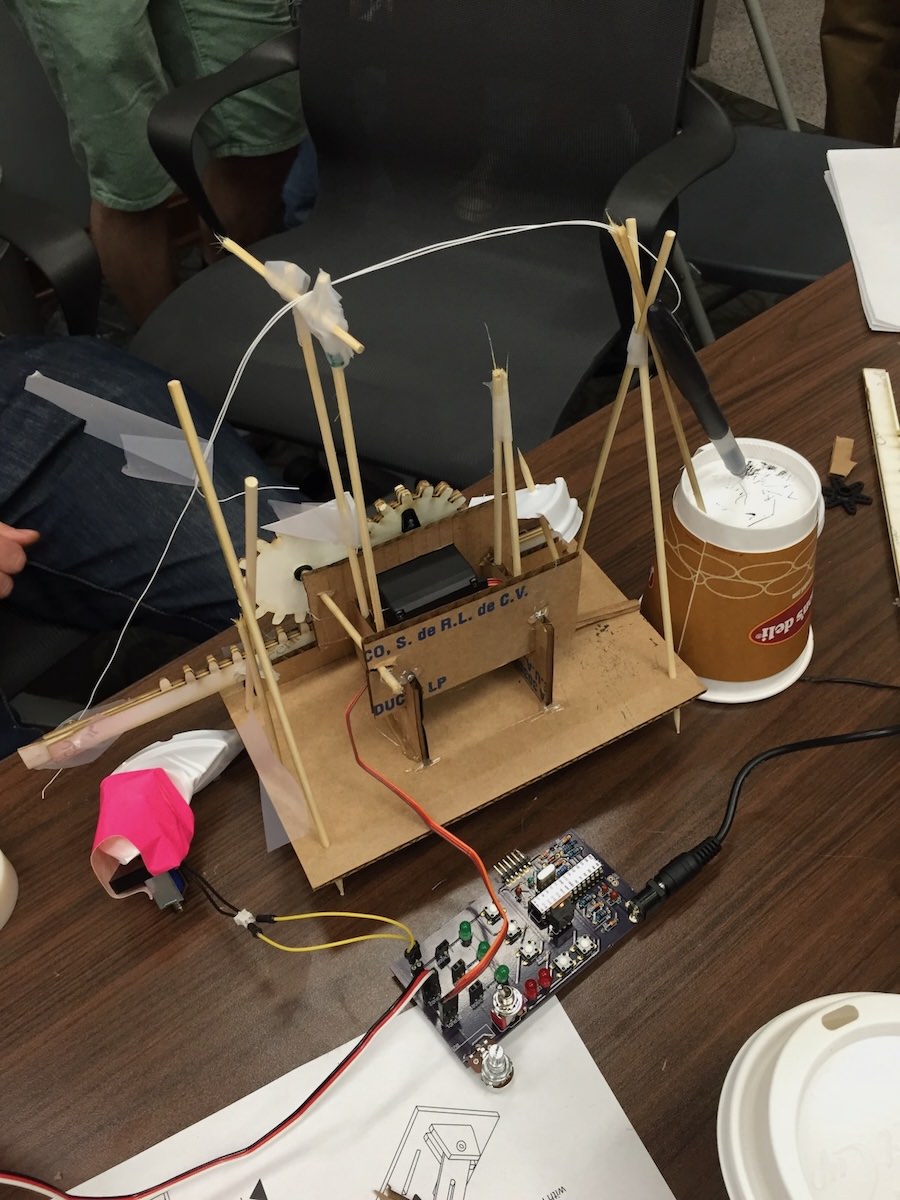
- producing prototypes
- evaluating systems
Double Diamond Model
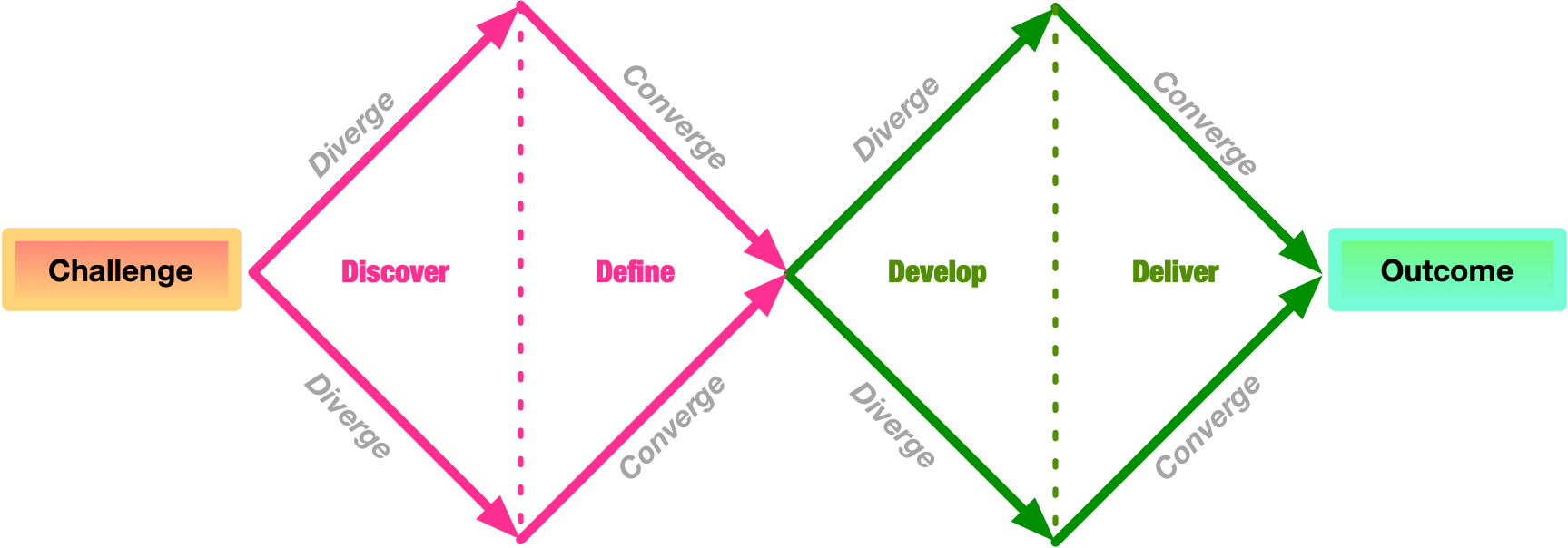
Design Stages
- Discover: understand the problem and the people affected
- Define: define the problem clearly so that it can be addressed
- Develop: create ideas, prototypes, sketches, etc, that might address the problem
- Deliver: test potential solutions to find promising directions, and iterate
Degrees of Involvement
- Personas: limited/no real users, “fake” user personas to help frame design
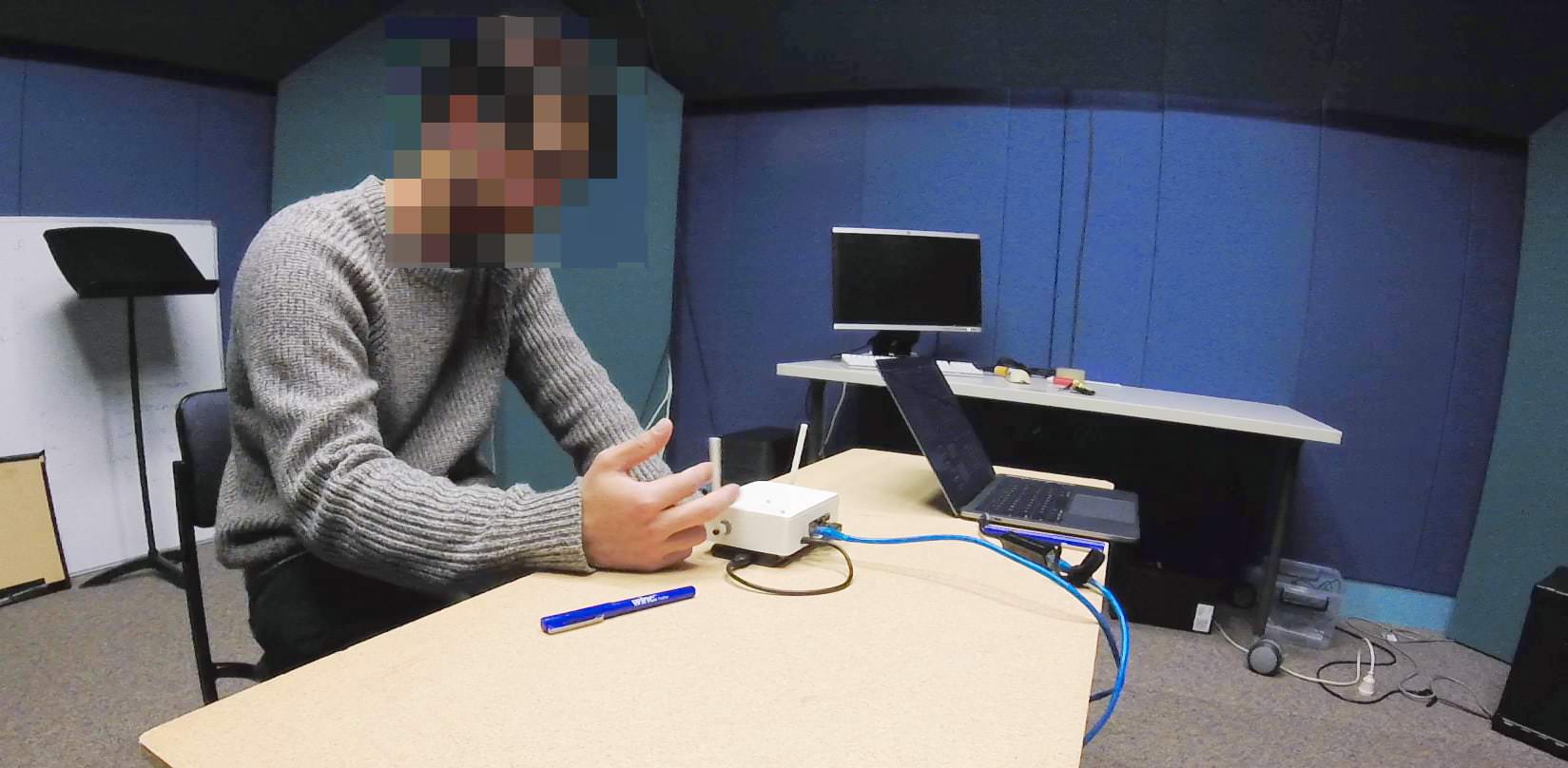
- Face-to-face: small groups or individuals in information-gathering or evaluation settings1
- Crowd-sourced: large surveys, crowd-sourcing, community engagement
- Participatory: users central to planning, ideating, prototyping (co-design, co-creation)
People-centred design
Expanding from “users” to “people” with more details (Rogers et al., 2023)
- tasks and goals drive development
- behaviour and context of use are studied
- people’s characteristics included
- stakeholders are consulted throughout development
- design decisions consider context of use, people’s activities, and their environment

Interaction Design Lifecycle
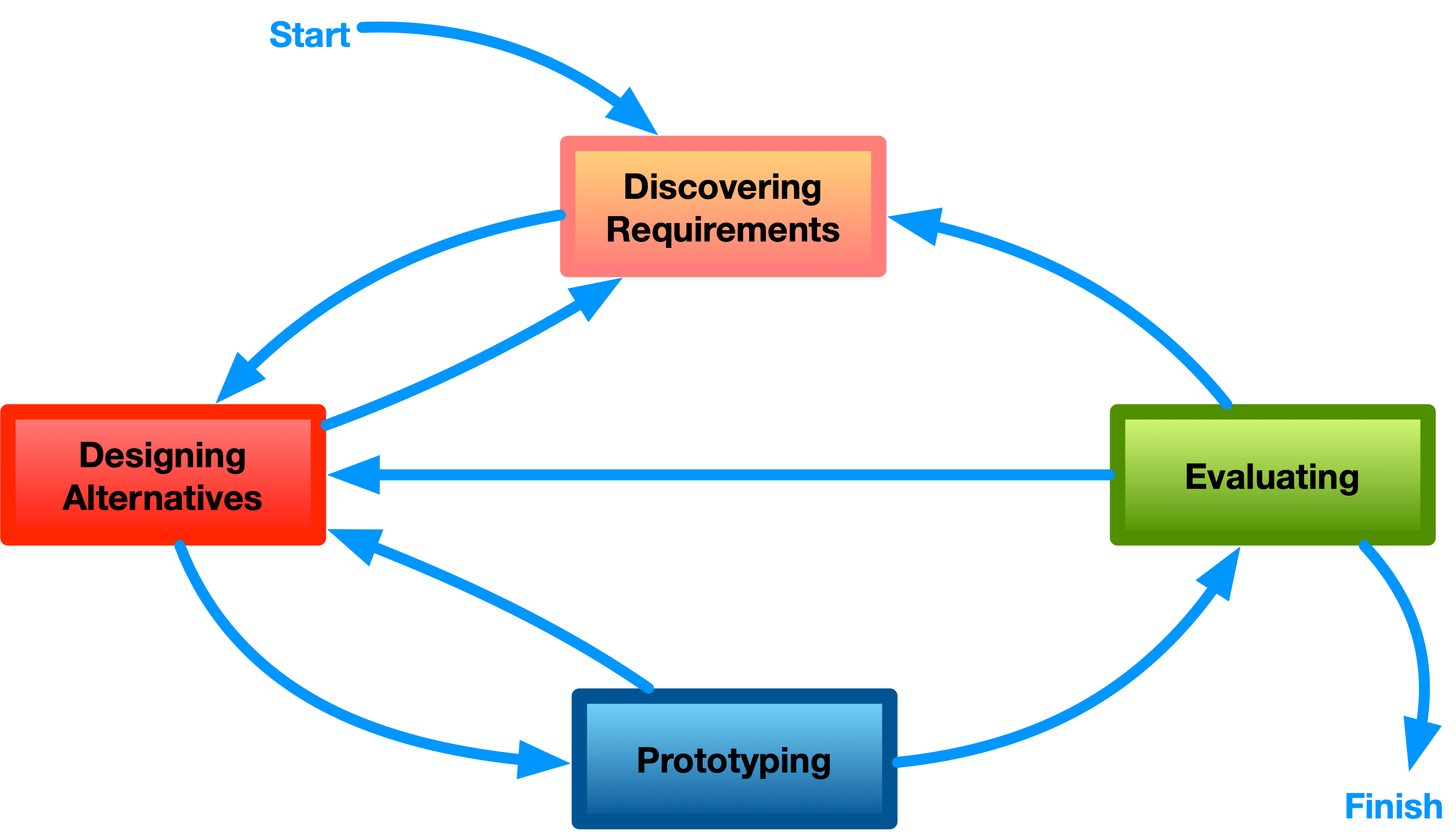
Connecting to HCI
Design and HCI related but not the same:
- Discover and Define stages are highly related to “uncovers the needs of different kinds of computer users” (from week 1)
- Develop and Deliver are more related to “proposes computer systems (incl. software) that can be better used by humans”
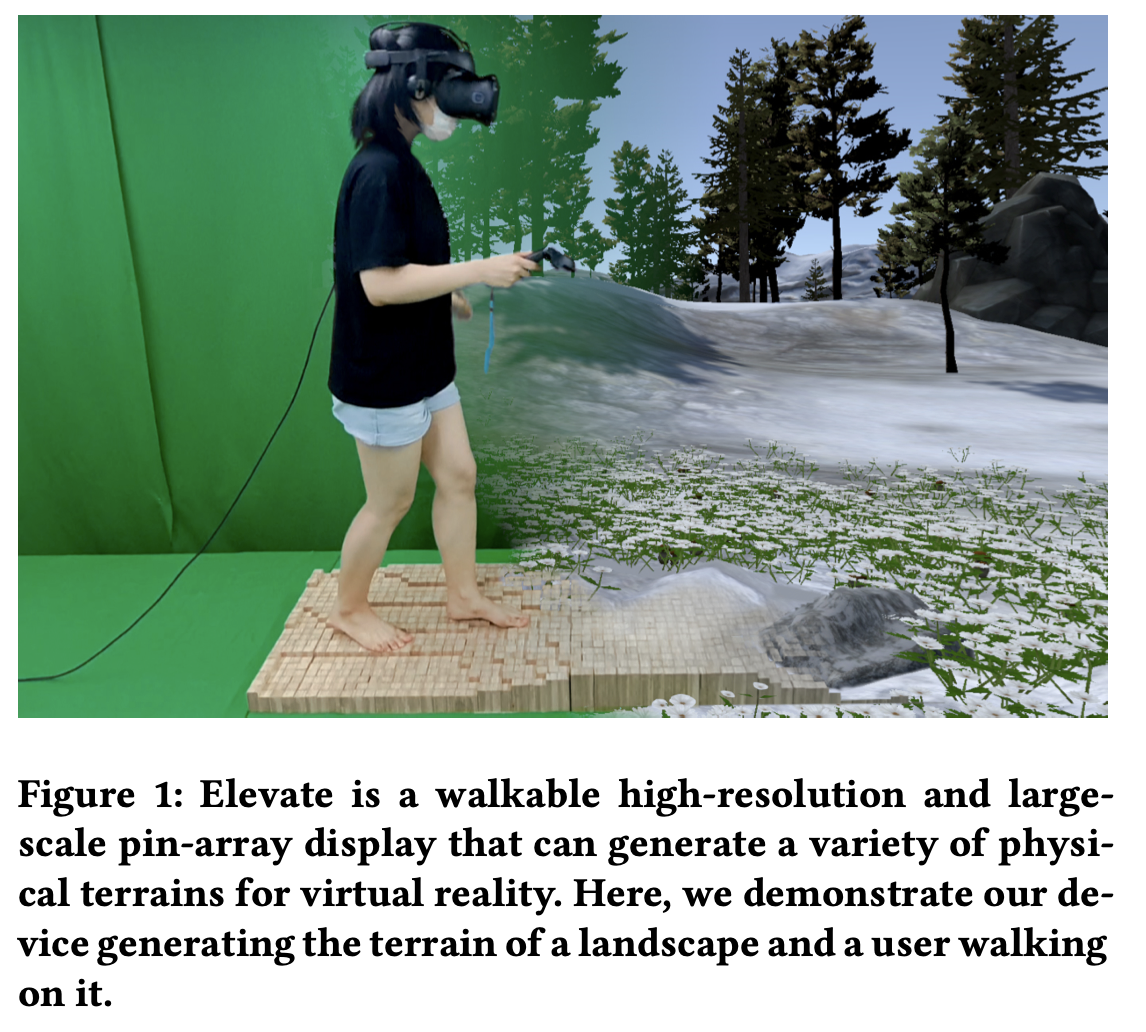
Some HCI research is technical or speculative, inventing technologies that are not yet common or popular
What is a requirement?
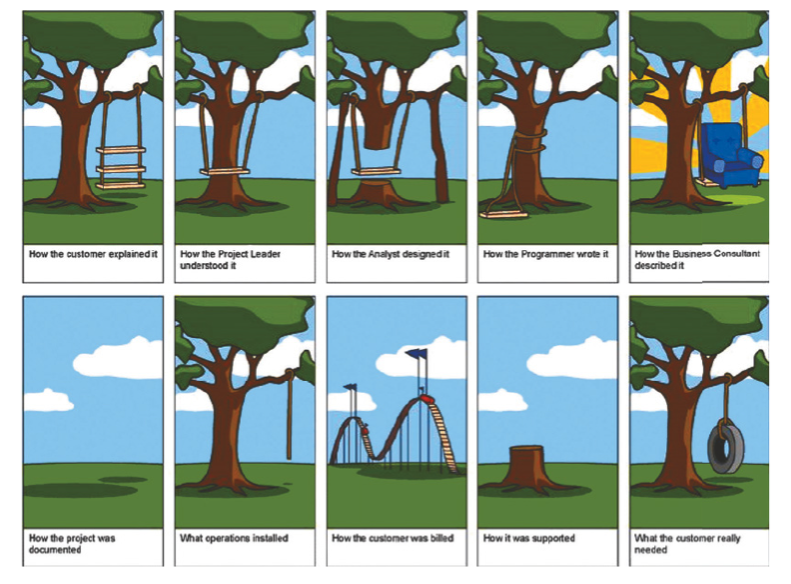
“A statement about an intended product that specifies what it is expected to do and how it will perform” (Rogers et al., 2023, p. 387)
- Discovered through targeted activities or tangentially throughout the design process
- Evolve during design
- Different levels of abstraction and detail
- Needed to avoid misunderstanding and miscommunication
Defining a requirement
- Requirements can be captured casually, e.g., “app needs to be fast”
- Can be useful to have more details, precision about the requirements, who needs them, and why.
- Formal methods exist for capturing requirements in complex projects
- Epics, user stories in Agile methodologies
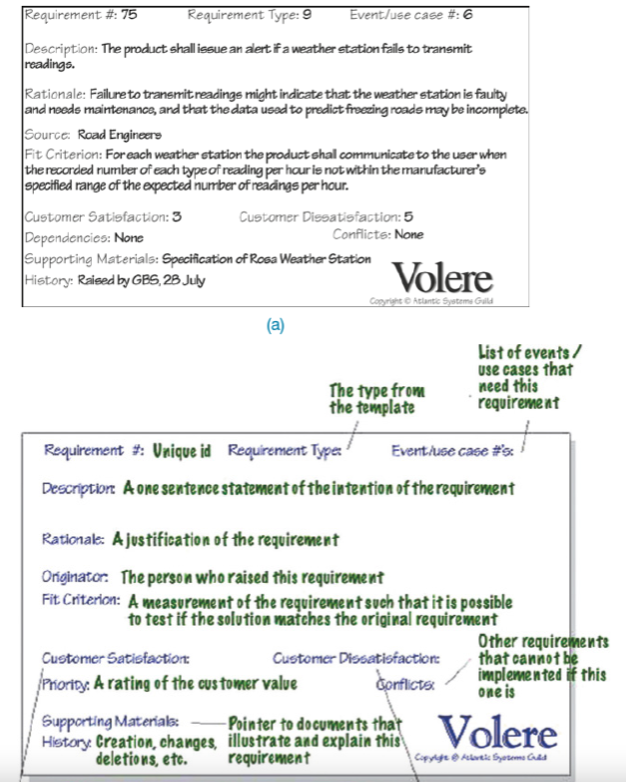
- Volere “Atomic Requirements Shell” (see figure)
- “Description, Rationale, Source, Fit criterion, Customer satisfaction…”
Personas and Scenarios
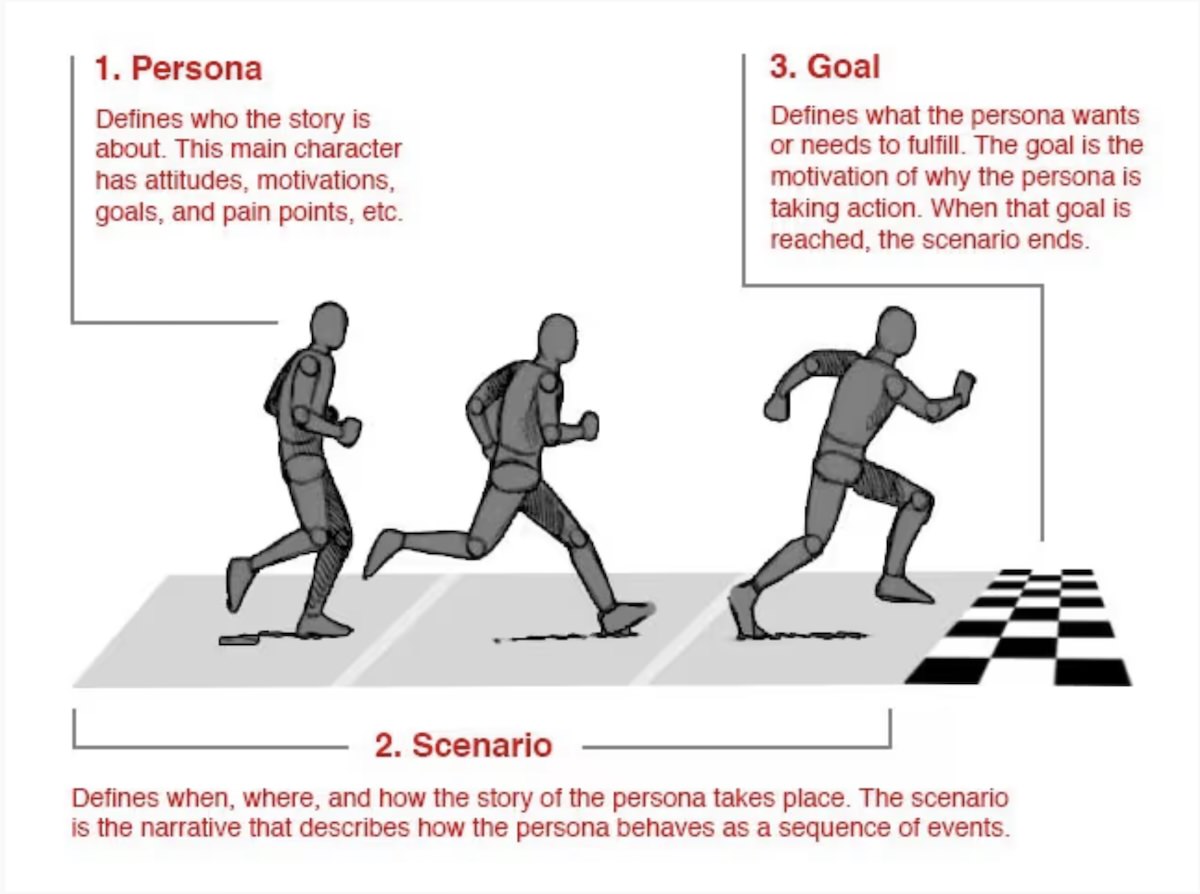
More detailed than a user story, includes:
- the person, their characteristics, motivations, etc (persona)
- their story, when, where, how, as a sequence of events (scenario)
- the goal, needs to fulfil, reason to interact with a system (goal)
Personas
- Rich descriptions of typical users
- Don’t describe specific people but realistic
- Describe goals, behaviours, activities, environment
- How would this person use this product?
Examples on Usability.gov
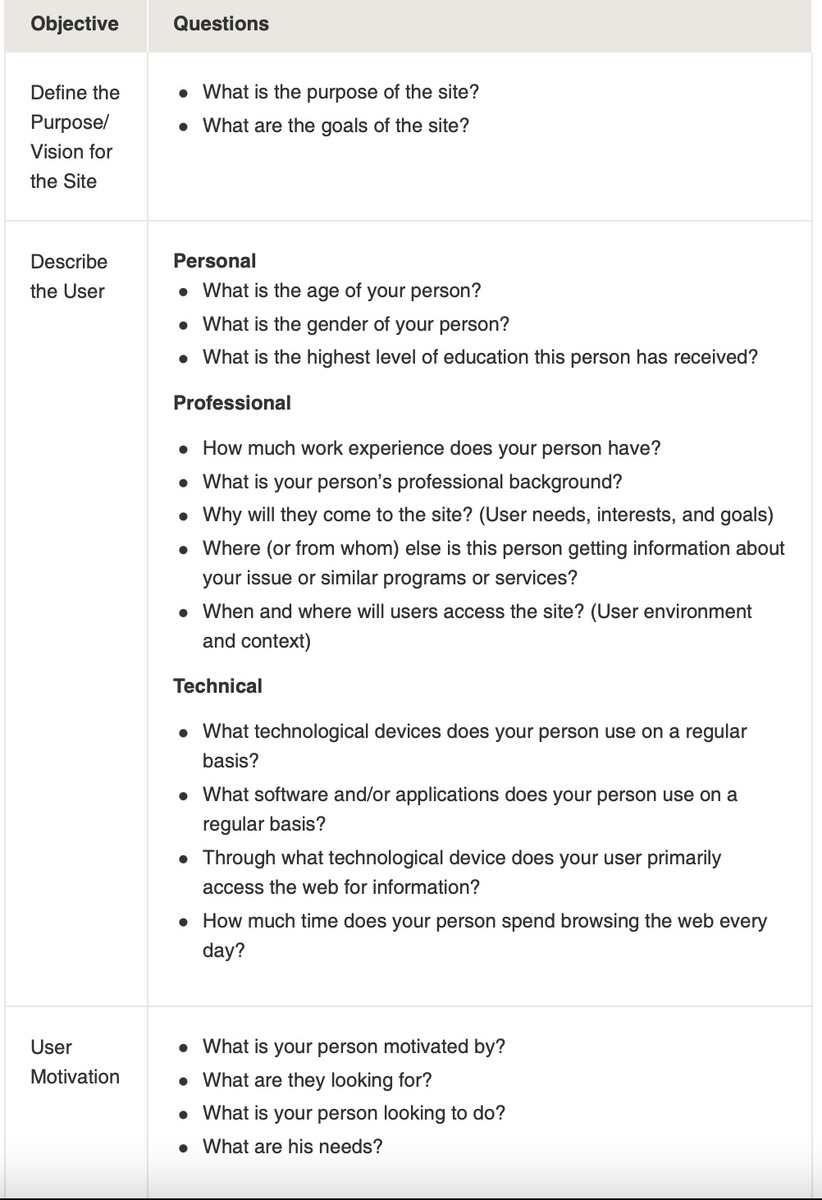
Personas: example, Julien the university worker
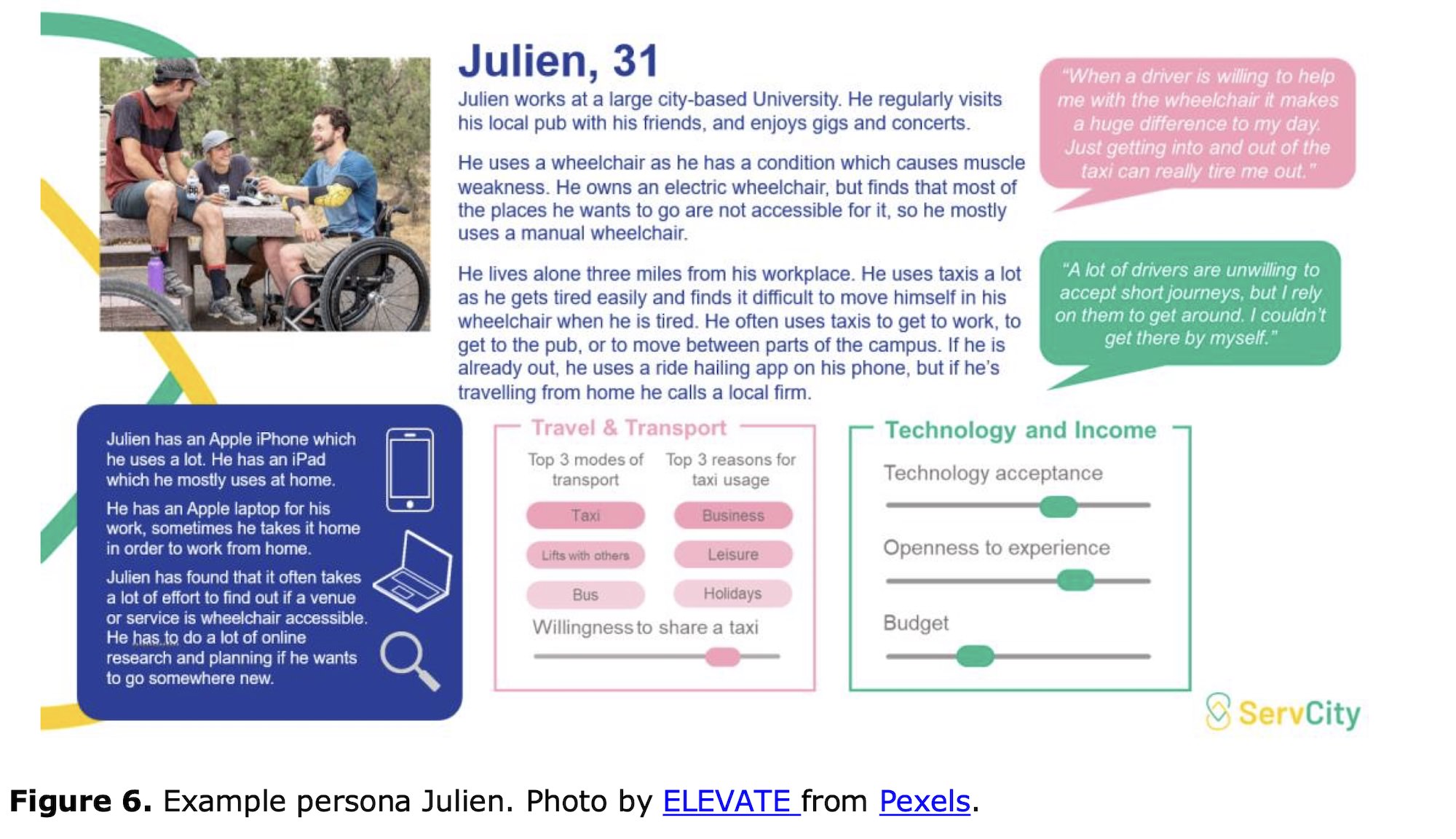
Personas: examples
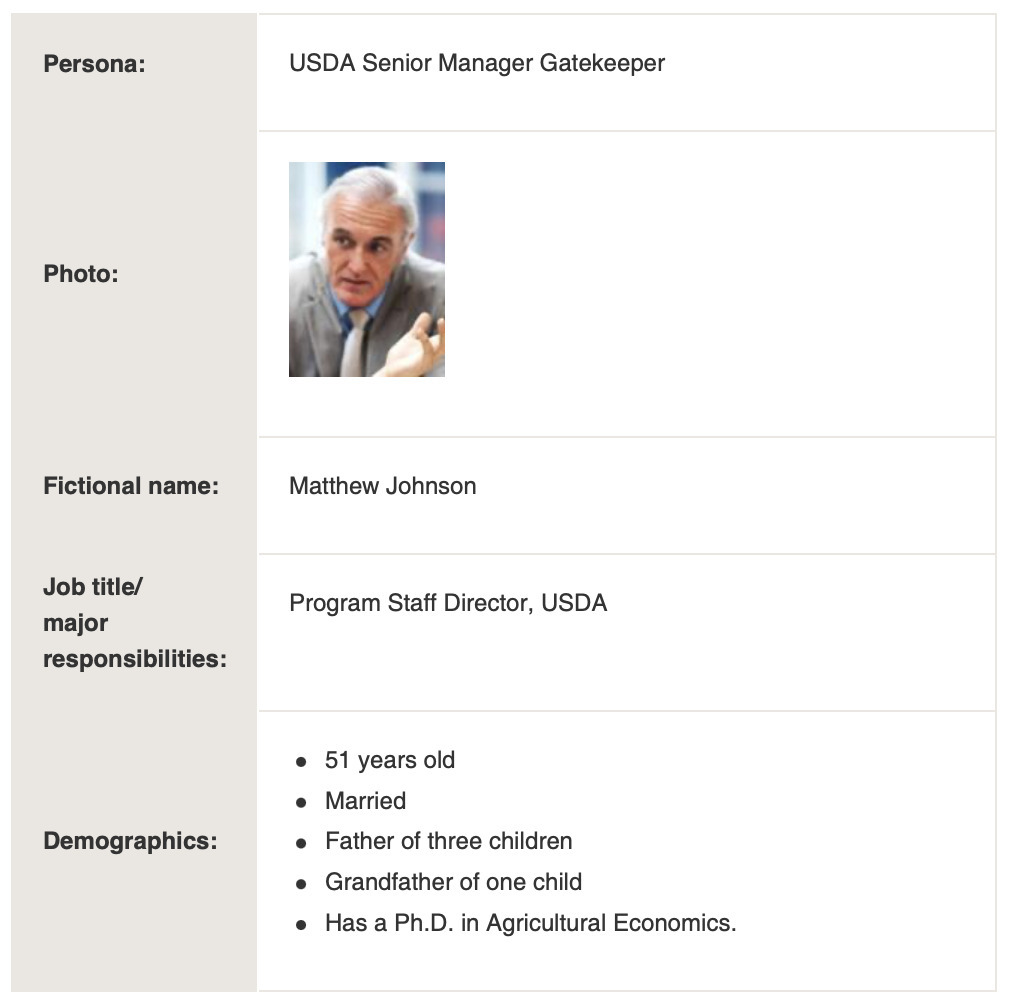
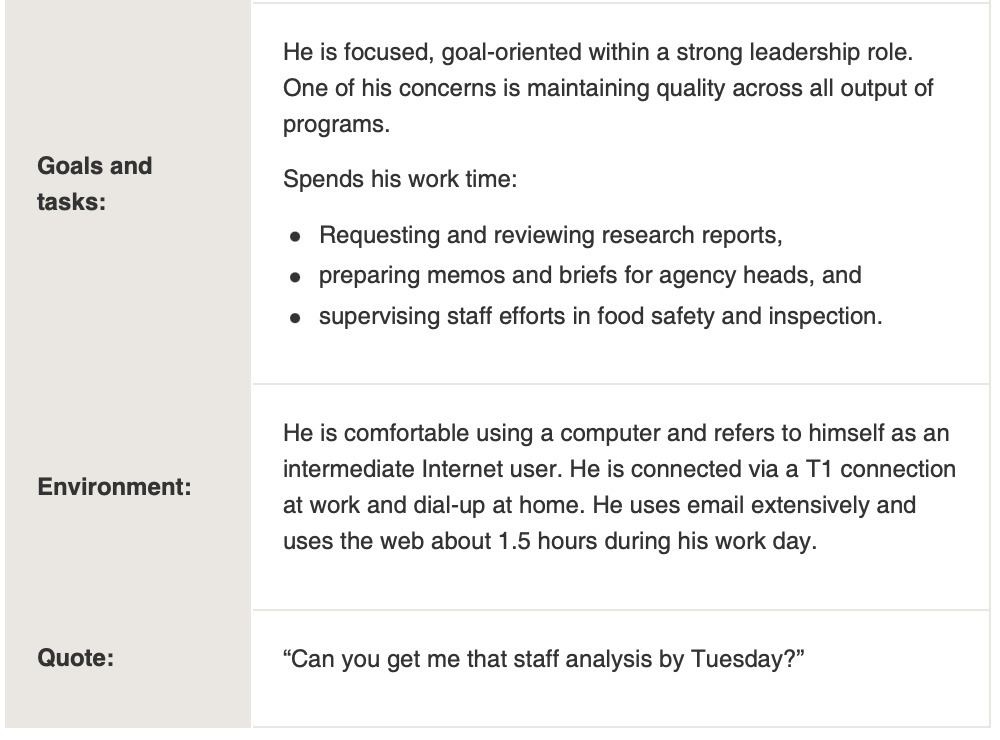
Scenario Mapping: Design Ideation Using Personas
Scenario mapping is a group activity for generating ideas for a product or system using personas and a specific scenario. (PS: you’ll do a similar activity in next week’s tutorial).
- choose a scenario and persona,
- split a scenario up into steps (use sticky notes)
- choose categories for ideas, e.g.: design ideas, questions, problems, friction points, comments
- brainstorm ideas under specific categories
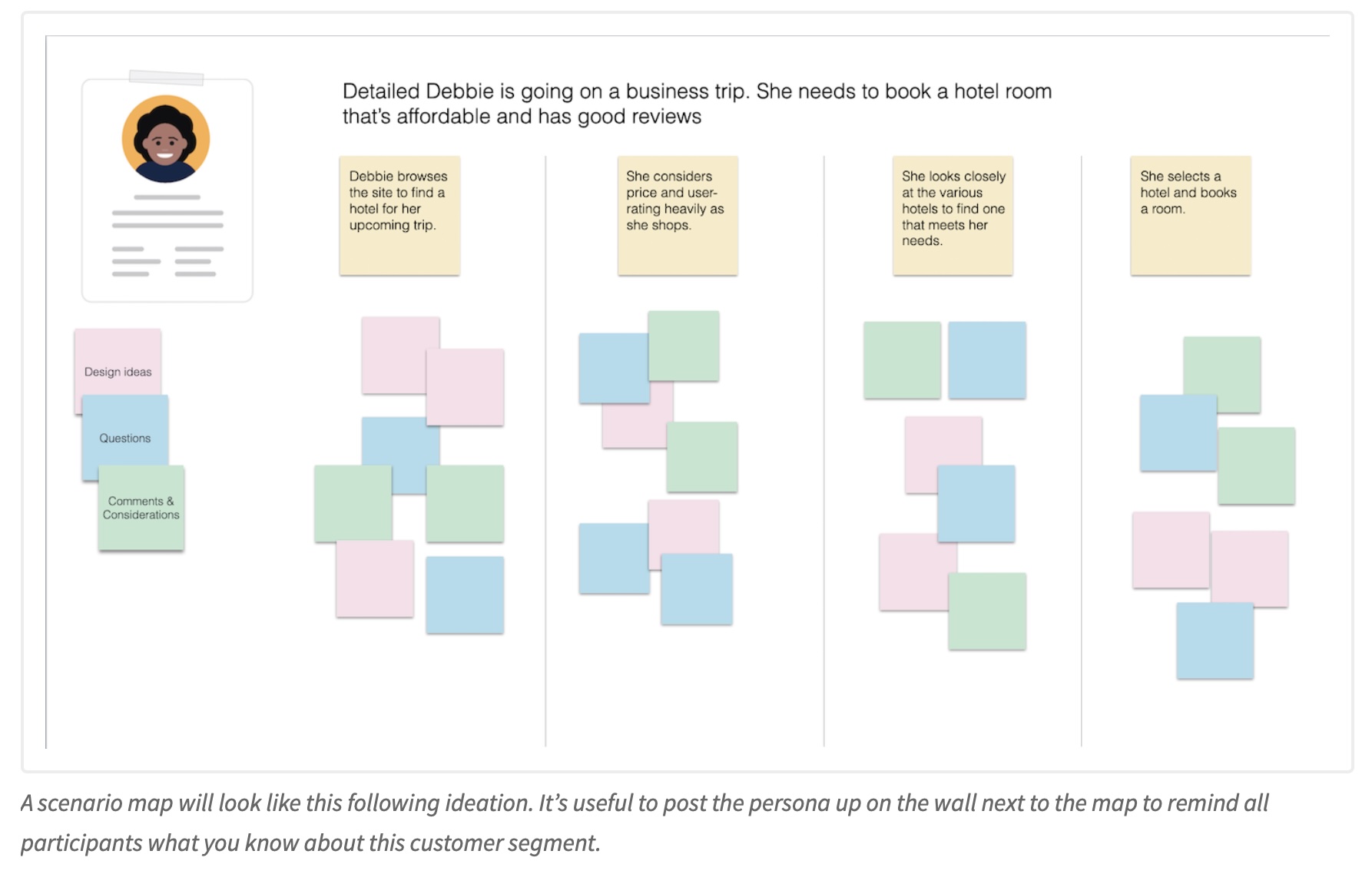
Activity: Scenario Mapping Example
Activity: Let’s scenario map 🗺️💁🏻🎤
Have a look at the following miro board and add a post it. (how many students are here? can we break miro?)
https://miro.com/app/board/uXjVJa-m2gU=/?share_link_id=689171092569
Fundamentals of Ideation
- ideas are not evaluated
- ideas are recorded and documented
- collaboration leads to diverse ideas
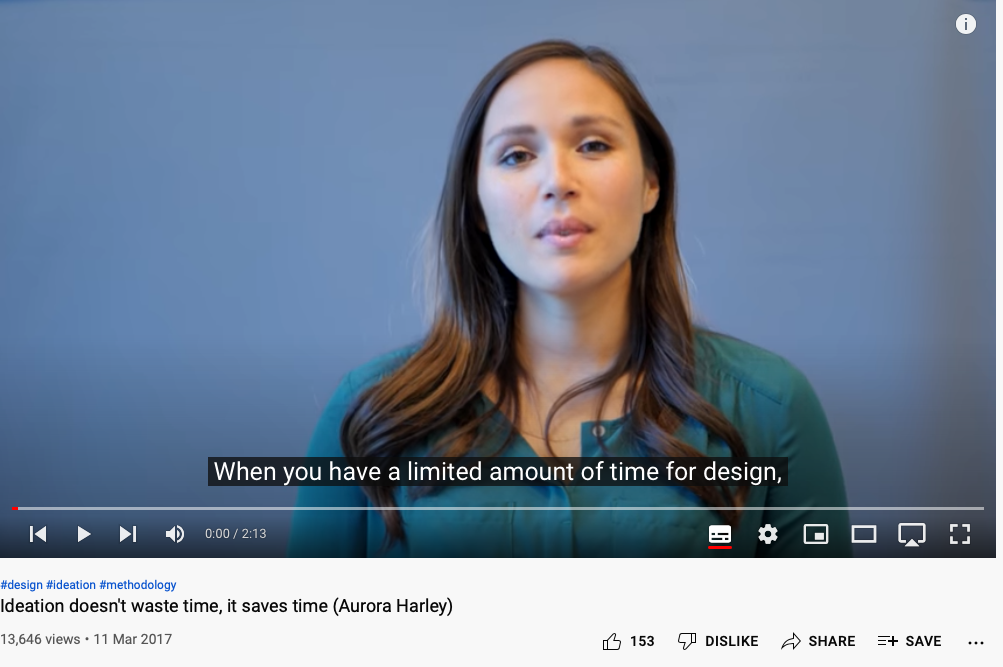
Generating many ideas: high probability that at least one is close to ideal.
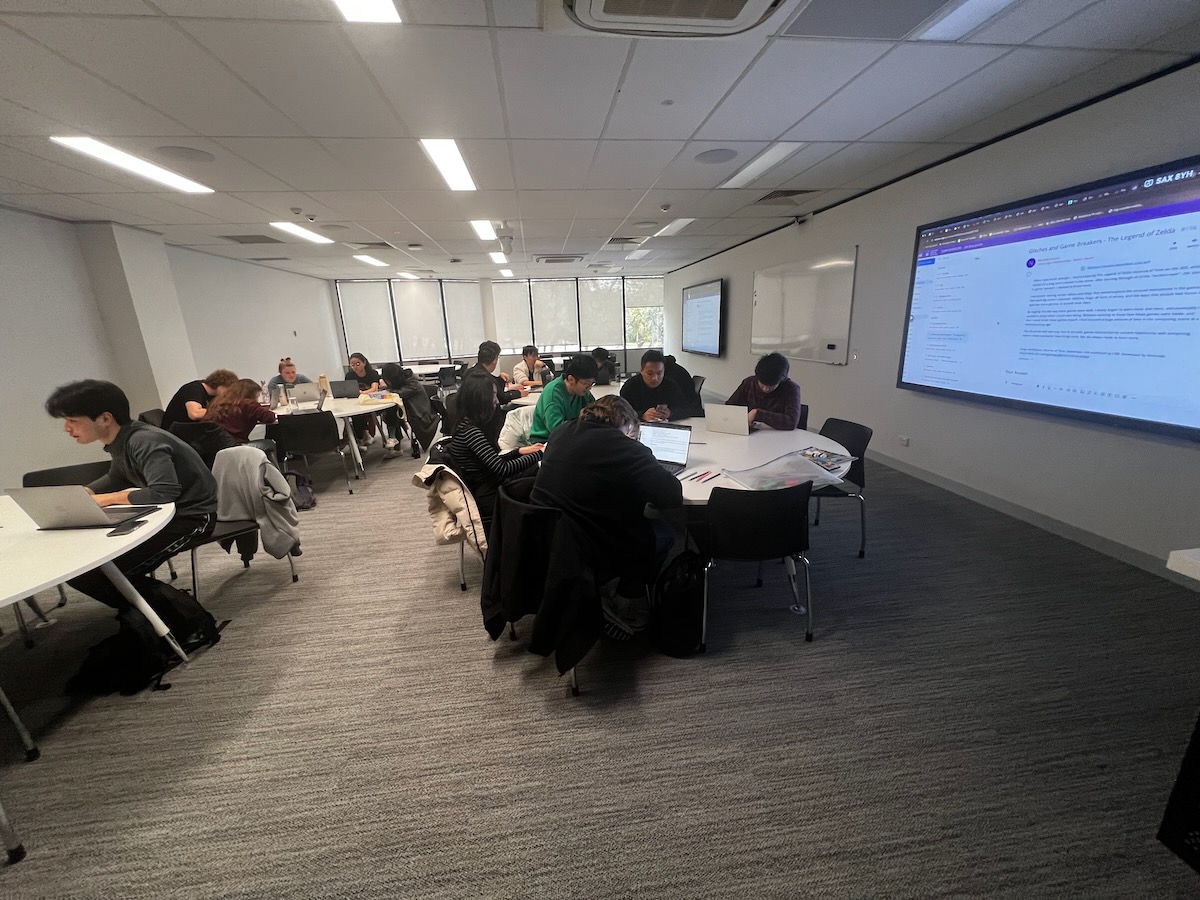
Brainstorming and its variants
Shared principles across nearly all the variants:
- Postpone criticism: don’t throttle the generative phase
- Divergence: encourage wild, diverse ideas
- Quantity: as many as possible
- Build on others’ ideas
- Equal significance: every participant and idea counts
The named variants mostly change who writes when: braindump (individually, then share), brainwrite (write, pass on, elaborate), brainwalk (move between ideation stations).
Lateral Thinking: Worst Possible Idea
Is this the opposite of brainstorming?
- Come up with the worst ideas you can think of
- Playful, fun, adventurous, effective
- Know that ideas won’t be scrutinised for being wrong
Dix argued that bad is the new good (Dix et al., 2006) using this as a class exercise.

Analogies and metaphors
- Analogy: a comparison between two things — powerful for both communication and sparking ideas
- Metaphor: carry a structure from a domain the user already knows into your interface
- Provocation: challenge the status quo to explore new realities (a lateral thinking technique)
Both analogy and metaphor are in the professional top eight — these are not warm-up games.

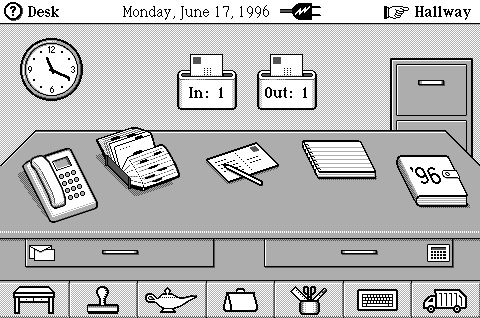
Analogies in practice: interface metaphors
Exploit similarities to user’s knowledge of other domains. E.g.,
- Cards: Familiar, strong associations (playing, business, credit), flick through, sort, themed, structured
- Desktop and Recycle bin
- Shopping trolley and checkout
- Surfing the web
We’ll come back to design metaphors for AI in week 12.
Inspiration cards
A structured way to force distant associations (Hornbæk et al., 2025, Section 31.2):
- Technology cards — a technical opportunity or threat
- Domain cards — an experience or activity from users’ lives
- Draw at random, pair them, and ideate from the collision
E.g., distributed smart speakers × a family dinner.
Keeps ideas metaphorical and technically realistic. Card decks are a real HCI research contribution — see the SMeFT Decks for hybrid boardgames (Rogerson et al., 2023).
Ideating in other representations
Not everything is a sticky note.
- Sketch: simple, rough, quantity over quality enough detail to convey meaning, no more (much more next week)
- Storyboard: a visual story
- Prototype: building forces decisions and provokes new ideas. Thinking by doing.
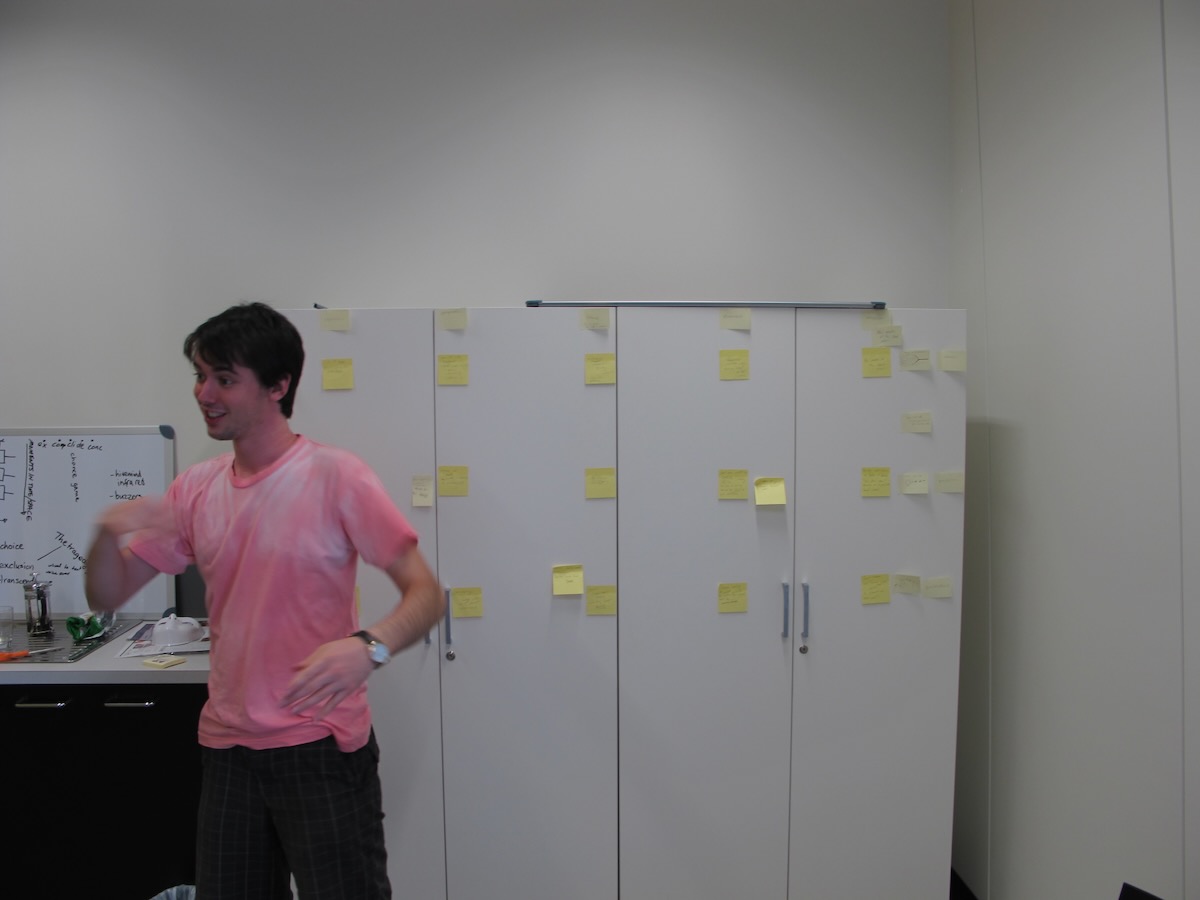
- Bodystorm: physically act out the scenario, with props — combines empathy, brainstorming and prototyping

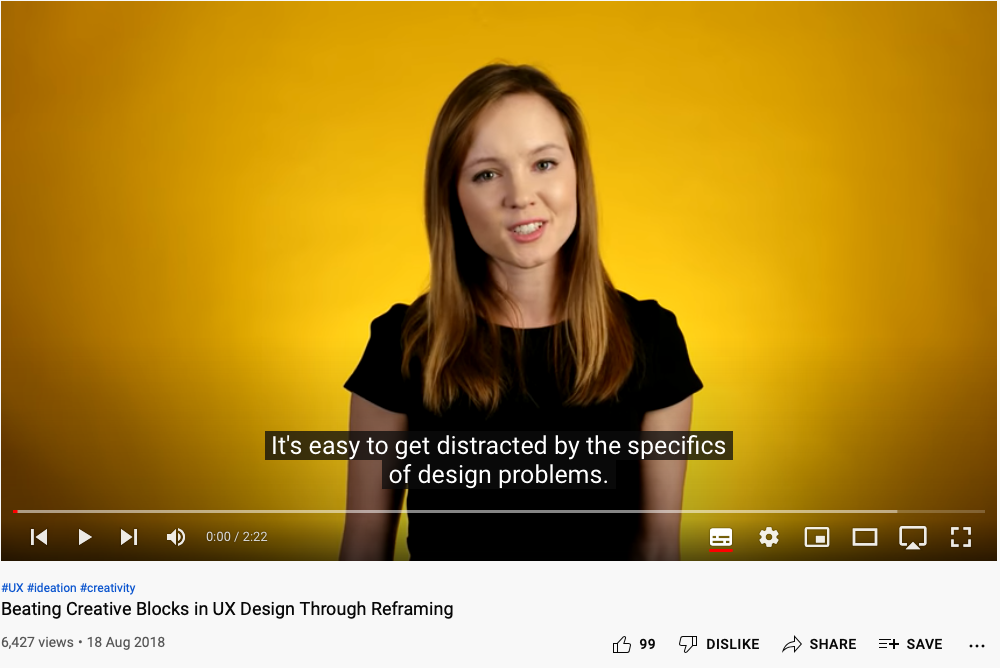
Unsticking a blocked session
Ideation gets stuck: you hit a wall, or anchor on an early idea (design fixation, more next week).
- Challenge assumptions: what did we assume about users, context, activities? Are those accurate and important?
- Mindmap: problem in the middle, ideas around it, connect with lines
- SCAMPER: Substitute, Combine, Adapt, Modify, Put to another use, Eliminate, Reverse
- Movement: turn a provocation into something usable
- Creative pause: step back, reflect, go outside. Proactive rather than reactive thinking
Involving other people
- Gamestorming: gamified ideation for energy and engagement — Fishbowl, Anti-Problem, Cover Story
- Cheatstorm: reuse ideas from earlier sessions as stimulus
- Crowdstorm: the target audience generates or approves ideas — social media, surveys, focus groups
- Co-creation workshops: combine methods over hours or days — icebreakers, vision, empathy, insight mining, framing, ideation, prototyping
Questions: Who has a question?
Who has a question?
- I can take cathchbox question up until end of the lecture
- For after class questions: meet me outside the classroom at the bar (for 30 minutes)
- Feel free to ask about any aspect of the course
- Also feel free to ask about any aspect of computing at ANU! I may not be able to help, but I can listen.
This one is pretty normal in academic HCI research.↩︎